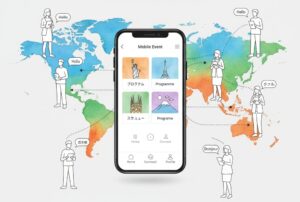


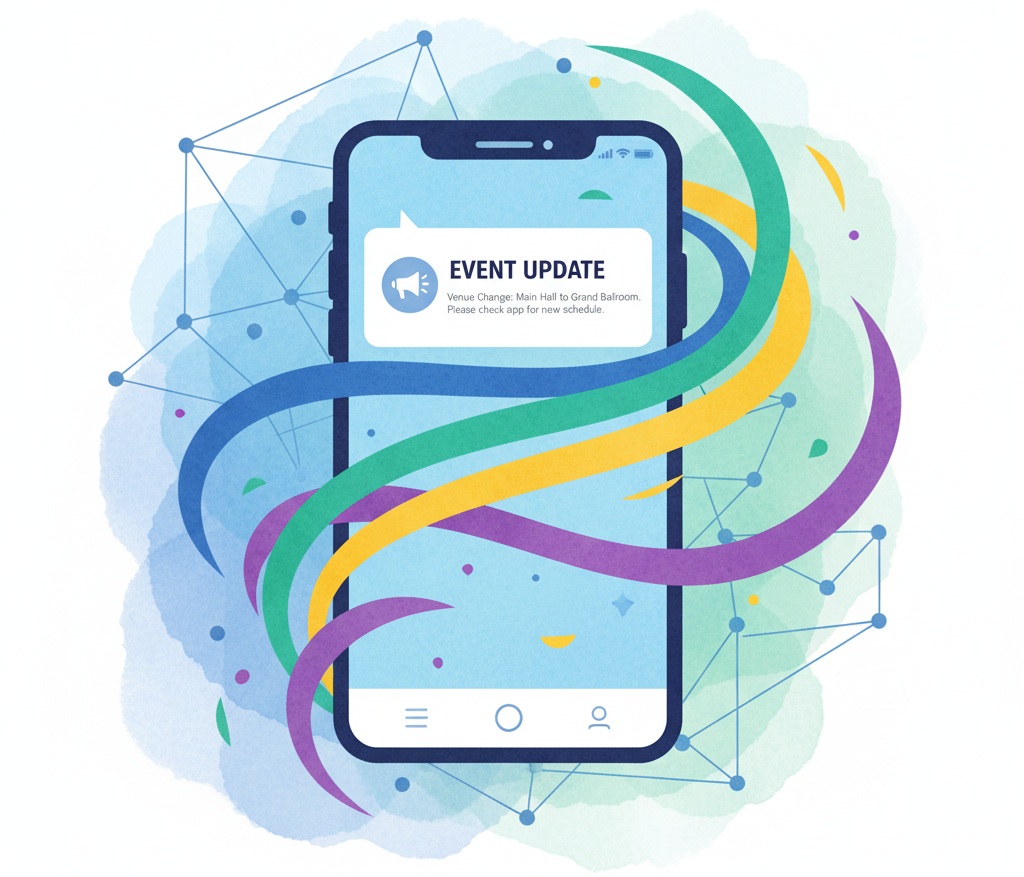
When something unexpected hits during an event, chaos spreads faster than information. A last-minute venue change, a weather delay, or a safety concern can leave organizers scrambling to communicate. That’s where an event app becomes your most valuable tool. It keeps attendees informed in real time and helps you manage updates with confidence instead of panic.
At Yapp, we’ve seen hundreds of event teams transform potential disasters into moments of trust and calm—all because they had an app ready to go. One Yapp team member summed it up perfectly: “When something changes, we don’t worry about how to tell everyone anymore. We just send a push notification, and it’s handled.”
What happens when communication breaks down?
Picture this: you’re managing a 500-person conference when a power outage hits. The Wi-Fi is down, the AV fails, and attendees start wandering the halls for answers. You could rely on signage or word of mouth—but those channels are slow and unreliable. Without a centralized communication system, confusion grows by the minute.
A Yapp event app changes that completely. With instant notifications, schedule updates, and a unified news feed, everyone stays informed in seconds. You control the message—and the tone—so misinformation doesn’t spread.
One of our engineers puts it this way: “An app isn’t just a convenience feature. It’s an emergency broadcast system in your pocket.”
That’s what Schools That Can discovered when they used Yapp for their national forum. With 150+ attendees across multiple sessions, they needed a way to update schedules quickly and notify everyone at once. Unlimited push notifications made it simple. “Yapp helped us communicate more effectively,” said Director of Growth Casey Lamb. “We could send out notifications to all attendees so that they knew where the next event was.”
Why real-time updates matter in a crisis
When things go sideways, seconds count. A strong crisis plan must include a digital communication channel that everyone already trusts—and that’s exactly what an event app delivers.
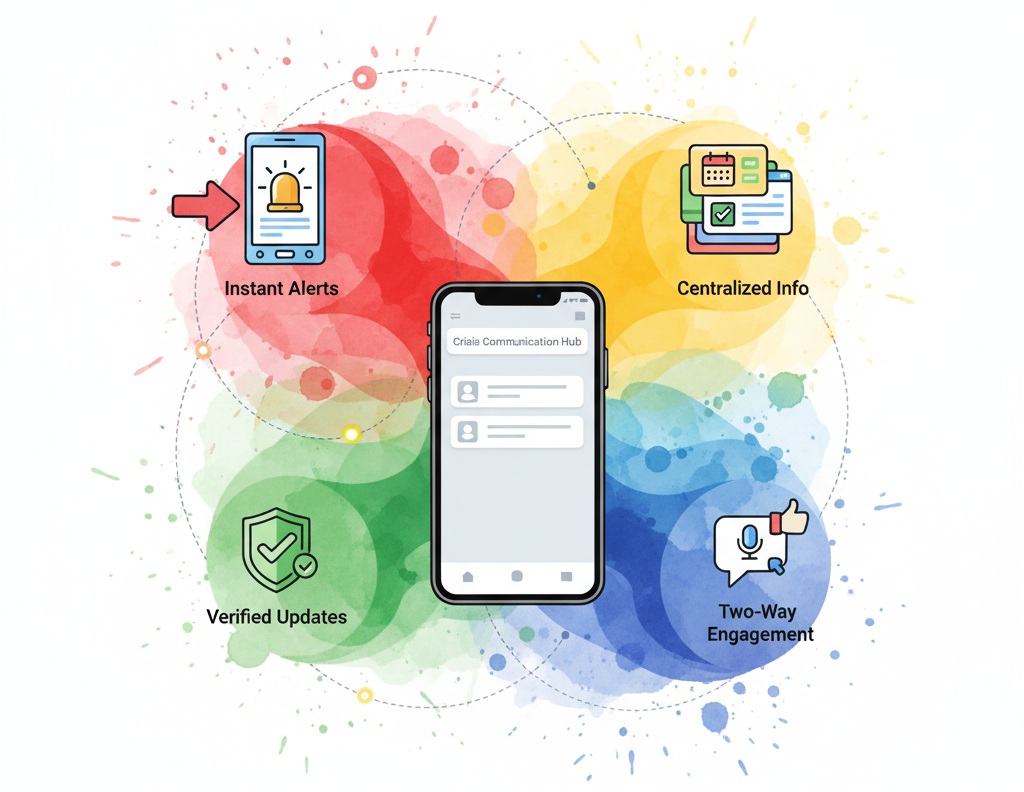
Here’s what makes mobile communication so effective:
- Instant alerts: Push notifications appear directly on attendees’ home screens—no waiting for emails or social media posts to be seen.
- Centralized info: Schedule changes, safety protocols, and updates all live in one app—accessible even offline.
- Verified updates: Attendees know the information comes straight from organizers, cutting through confusion.
- Two-way engagement: Features like polls or in-app feedback give participants a voice, helping organizers adapt on the fly.
- Long-term trust: After an event, attendees remember how smoothly you handled the unexpected—and that builds loyalty.
At Yapp, we’ve built our notification system to handle large audiences in real time because, in a crisis, communication must be immediate and accurate. One of our product leads said it best:
“If there’s a fire alarm or weather alert, the message hits every device within seconds. That’s not a ‘nice-to-have’—it’s essential.”
Real-world examples: Turning challenges into connection
During the pandemic, London Screenwriters’ Festival used Yapp to pivot from a 3-day in-person event to an entire month of digital programming. Overnight, they went from canceled sessions to daily livestreams and on-demand talks. “We needed something we could put in people’s hands and say, ‘Look at your phone for the answers,’” said their Creative Director Chris. With Yapp, they didn’t lose their audience—they grew it.
Similarly, Uncubed used Yapp to manage last-minute announcements across its eight-city event series. When weather or timing shifted, one push notification reached thousands of attendees instantly. They’ve now saved over $100,000 annually by cutting printed materials and simplifying communication.
These organizations all share one thing in common: they stopped viewing communication as an afterthought. Instead, they built resilience into their event plans through mobile-first thinking.
How to use an event app for live updates and emergency alerts


Once you’ve decided to integrate a mobile app into your communication plan, follow these simple steps:
- Centralize your information. Before your event, upload key details—schedules, maps, contacts—so attendees know where to look for updates.
- Test notifications early. Send test messages before the event begins to ensure everyone’s opted in to push alerts.
- Designate a “crisis communicator.” One team member should own the role of sending alerts during urgent situations.
- Use plain, direct language. In emergencies, clarity beats creativity every time.
- Debrief and improve. After the event, review how your notifications performed and optimize templates for next time.
These steps turn your app from a static schedule into a living, breathing communication hub.
We’ve seen it firsthand. One Yapp customer told us, “When a storm canceled flights, we restructured our entire agenda in an hour—and every attendee got the update in seconds. Without the app, that would’ve taken all day.”
Why Yapp makes crisis communication easy
Yapp’s platform was designed for moments that can’t wait. You don’t need coding skills, IT help, or a long lead time—just an internet connection and the need to communicate. Event organizers from Verizon to Cole Haan use Yapp to stay nimble during internal trainings and large-scale events alike.
Our apps update instantly, push messages to every device, and give you complete control from anywhere. Whether it’s an emergency evacuation or a last-minute speaker swap, Yapp ensures attendees get accurate info—fast.
So the next time plans change, don’t panic. Open your Yapp dashboard, hit “Send Notification,” and know your audience is in the loop.
Ready to make your next event better? Start your trial now!