Yapp explains how interactive content can make event promotion more memorable and engaging.
Quizzes, chats, games, and clickable experiences help capture attention while also revealing useful audience insights.
Event marketers who want stronger promotion and better audience understanding will benefit most from this strategy.
Content—there seems to be no better way to engage potential attendees than by providing content that is interactive, informative, and entertaining. According to a recent study, 88% of marketers say that interactive content is more memorable than traditional forms of content.
So, what exactly is interactive content?
Interactive content refers to any type of content that requires the reader to take an action in order to engage with it. This can be anything from taking a quiz, to replying to chat feeds, to playing a game, to simply clicking on links.
The beauty of interactive content is that it allows you to collect data about your audience while they are engaging with your content. This data can be extremely valuable in planning future events, as it can help you better understand what type of content your audience wants to see.
In this article, we will go through some examples of interactive content and how you can use it to promote your events.
Why The Event Industry Needs To Embrace Interactive Content
If you work in the event industry, then you know that promoting events can be a challenge. With in-person events ramping back up after the pandemic, it’s hard to make yours stand out from the crowd.
One of the best ways to do this is by embracing interactive content. As we mentioned before, interactive content is a great way to keep attendees involved in the event and collect valuable data about them.
So, if you’re looking for a way to promote your events and get more people interested in attending, then interactive content is definitely something you should be considering.
Different Types of Interactive Content
Now that we’ve talked about why you should use interactive content, let’s look at some of the different types of interactive content you can create.
Quizzes, polls, and contests are all great examples of interactive content that can promote events. In fact, these are some of the most popular types of interactive content on the internet.
Quizzes: Keeping Customers Engaged with Event Marketing
A quiz is a great way to keep potential attendees engaged with your event marketing. Not only are quizzes fun and interactive, but they also give you valuable insights into what your audience is interested in.
You can use quizzes to segment your audience and send them targeted content that applies to their interests.
For example, if you are promoting a big trade show, you could create a quiz that asks questions about the type of music the potential attendee likes. Based on their answers, you could then send them information about the artists that will perform as entertainment at the event.
You can also use quizzes to collect contact information from potential attendees that you can use to follow up with potential attendees and invite them to your event.
Polls: Collecting Valuable Feedback with Event Marketing
Another great way to collect data about your audience is by using event polls. Polls are a quick and easy way to get feedback from potential attendees about your event.
You can use polls to collect feedback about the event itself, such as the type of music that will be played or the speakers that will be speaking. You can also use polls to collect contact information from potential attendees.
Polls are a great way to get valuable feedback that you can use to improve your event. They are also a great way to generate excitement and interest in your event.
Contests: Generating Excitement for Your Event
Contests are a great way to generate excitement for your event. They are also a great way to get potential attendees to take action, such as signing up for your email list or sharing your event with their friends.
Contests are a great way to collect contact information from potential attendees. This is valuable information that you can use to follow up with potential attendees and invite them to your event.
One way to properly handle a contest is by making sure the prize is something that applies to your event. For example, if you are promoting an industry conference, perhaps a prize is a free session with a thought leader at your event, or a promotional giveaway from one of your event sponsors.
Create Interactive Event Content With Yapp
The event industry is always looking for new and innovative ways to engage potential attendees. Interactive content is a great way to do this.
We have gone through some examples of interactive content and how you can use it to promote your events. We hope this has given you some ideas on how you can use interactive content to engage potential attendees and promote your event.
With Yapp, you can easily create and manage interactive content for your event. And if you run into any challenges, our team is always here to help. Yapp also offers the following impressive benefits:
No Coding or Developers Needed
No coding knowledge? No problem! You don’t need it with Yapp, because Yapp does it all for you. Our simplified drag-and-drop features empower you to quickly add details, upload materials and plan for your event in days instead of months when working with a developer.
Customizability
Yapp allows you to customize your event app, down to the logo, with no coding skills required! With Yapp, you can dedicate the entire app to events like sales kick-offs, company off sites, or internal training sessions.
Better Team Communication
Your attendees aren’t the only ones that need to know what’s going on. With Yapp, your team members on the floor can easily download the event app and get instant updates regarding event details so they can adjust when needed to keep things flowing well.
So what are you waiting for? Get started with a free-trial of Yapp today!
Yapp explains what mobile apps for events and conferences do and why they matter for both organizers and attendees.
Features like schedules, push notifications, networking, sponsor visibility, privacy controls, and analytics help events run more smoothly.
Conference and event planners evaluating whether an event app is worth it should start with this guide.
A mobile app for events and conferences is a software application designed to make your event or conference more organized, efficient, and engaging.
The app can be used to centralize all the information related to your event or conference in one place. This way, attendees can have everything they need at their fingertips, including the schedule, list of speakers, map of the venue, and more.
Mobile apps for events and conferences can also facilitate communication and networking among attendees. For instance, attendees can use the app to share photos and interact on social media or on an event-specific feed within the app itself.
The Benefits of Mobile Apps for Events and Conferences
When it comes to events and conferences, there are a lot of moving parts. From planning to execution, keeping everything organized and on track can be difficult. That’s where mobile apps can help. A good mobile app for events and conferences can make life much easier for organizers and attendees.
Here are some benefits of using a mobile app for your next event or conference.
Support Event Engagement on Mobile Devices
With more and more people using mobile devices, it’s never been a better time to create a mobile app that allows attendees to get information and engage with your event right from their phones.
Using a mobile app, you can ensure that all the information related to your event or conference is readily available on attendees’ mobile devices. This includes the schedule, list of speakers, map of the venue, and more. Additionally, a mobile app can facilitate communication between the organizer and attendees and networking among attendees.
Attendees can also use the app to communicate and provide feedback about their experiences through polling features.
Set Up Your Event Easily
Creating an event with an event mobile app is easy! With just a few clicks, you can add all the essential details about your event, including the date, time, location, and more. You can also add photos to give your event page a personal touch. And once you’re finished, you can share it with your attendees and staff with just a few clicks.
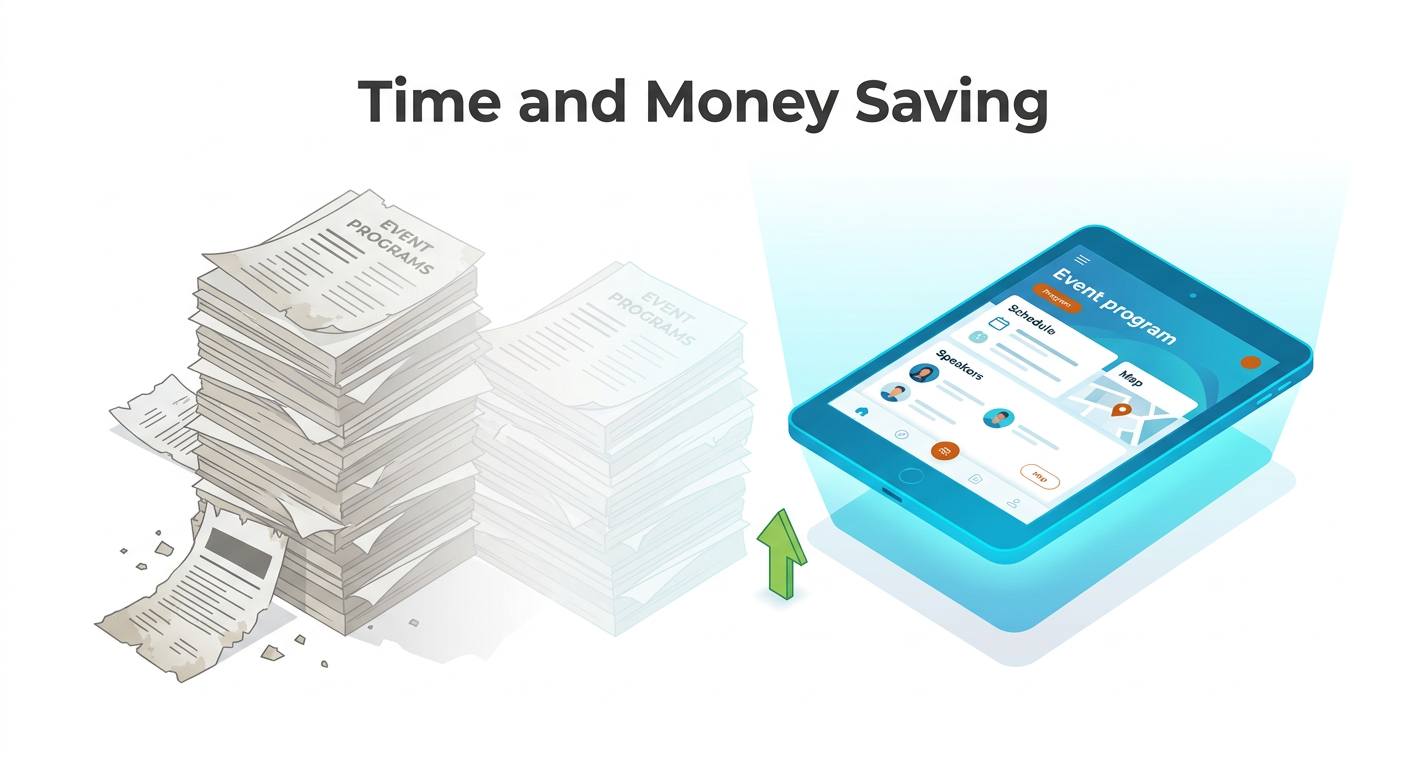
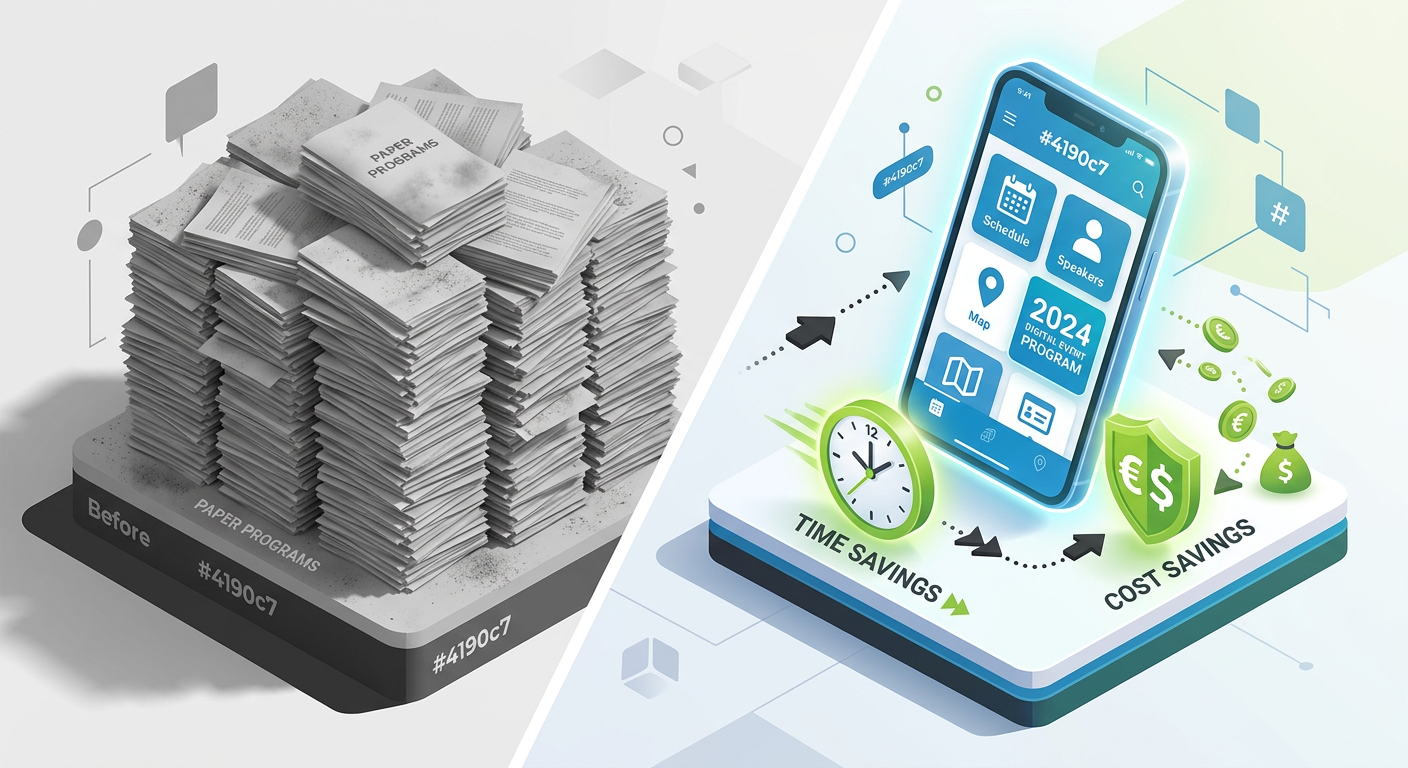
With all the information related to your event or conference centralized in one place, you can save a lot of time, money, and effort in terms of event planning and execution. For example, centralizing your event information allows you to drastically reduce or eliminate paper programs and printing costs and the logistics of shipping and distribution at the event.
Push Notifications for Sharing Event Information
One of the great benefits of using a mobile app for your event is the ability to send out push notifications. This way, you can remind attendees about essential aspects of the event, such as upcoming scheduled sessions, speaker keynotes, and more.
Push notifications allow you to communicate with attendees about last-minute changes or updates. For example, you can notify people through a push notification if there’s a change in the schedule or if a speaker has to cancel.
Push notifications are a quick and easy way to keep attendees updated and informed about all aspects of your event or conference.
Be Environmentally Friendly
Event mobile apps can help event managers reduce the event’s environmental footprint by using less paper. For example, an event mobile app can send electronic notifications instead of paper notifications. It can also be used to create a digital rather than a paper program.
Event mobile apps can also be used to collect data electronically instead of on paper forms. By using less paper, event mobile apps can help to reduce the impact on the environment.
Can Be More Cost-Effective With Container Apps
Event managers have two options when considering an event mobile app: a container app or a custom-built (or white-label) standalone app. A container app is a single app that can house many different event apps within it. In contrast, a custom-built event app is built by a developer specifically and solely for your event.
While creating a standalone app can provide more options for customization, they require far longer to develop and are often much more expensive than container apps. In addition, app store approvals typically take much longer for standalone apps and can lead to delays in getting the most up-to-date content out to your attendees.
Create Networking Opportunities
A mobile app can also be used to create networking opportunities among attendees. With a mobile app, attendees can easily connect by posting about the event on a social feed within the app. Additionally, they can use the app to network with exhibitors and sponsors by locating their profiles and any digital materials within the app. Ideally, attendees should be able to share their contact information, a photo, bio, and any social links within the event app to connect with others both online and offline.
By using a mobile app for your event or conference, your event can become more interactive and engaging for attendees.
Gather Data
A mobile app can be a powerful tool for gathering data about your event or conference. With a mobile app, you can quickly get attendees’ engagement and activity details. For example, the best mobile event app providers enable event managers to see important metrics such as total app installs, device breakdown (iOS vs. Android), and total views of specific pages within the app.
Additionally, you can also use the app to collect feedback from attendees. By obtaining information on your event or conference, you can improve the entire experience for attendees.
You may also use the data to inform future events and conferences. The ability to gather data through a mobile app provides event and conference organizers with a valuable tool for improving the overall experience for attendees.
Showcase Your Event Sponsors
A mobile app can also help you create more opportunities for sponsors and attendees to interact. By using a mobile app, you can provide sponsors with more exposure and visibility. You can also use the app to offer sponsors more value for their investment.
For instance, the app can promote sponsors’ products and services to attendees. You can also use the app to give sponsors an additional presence at your event or conference. Doing this can create more sponsor engagement opportunities and generate more revenue for your event or conference.
How to Get The Most From a Mobile Event App
Now that you know all the benefits of using a mobile event app to support your next event let’s talk about some specific ways you can leverage your app to improve attendee engagement at your next event.
Build an Event Information Page
The first place to start with your event mobile app is to create an event page where you can share details about what users can find while using your app. You can also add images, videos, and call-to-action buttons to create a customized and professional-looking page that will help users understand what they can find in your app and encourage them to explore further.
Create an In-App Social Feed
App users are increasingly expecting to have a social experience when using apps. By allowing users to post photos or videos and comments or engage with other users’ posts through liking or commenting, you can create a more engaging experience that keeps users coming back.
As a bonus, by including a social feed in your mobile event app, you will be able to keep all interactions uniquely focused on your own event. Further, you will be able to easily analyze event engagement within your app rather than tracking external social media platforms.
Moderate Your Social Feed
Another key benefit of having an in-app social feed is the ability to moderate the content that gets posted. Inappropriate content can damage your app’s reputation and cause users to lose trust in your community. As your app administrator, protecting your user community from inappropriate content is vital. So be sure to use moderator settings to review content before it’s published.
Utilize Scheduling Features
Organizing your event schedule can be daunting, especially if you have a lot of different activities or multiple tracks to manage. Scheduling tools are an event mobile app feature designed to make things easy by organizing everything chronologically, by department, focus, day, or whatever you need.
Simply add all your tracks, meetings, workshops, and activities into one place so you can focus on what’s essential and leave the details to the app.
Keep Your Staff Informed with Announcement-Only Feeds
Any business owner knows that keeping your employees in the loop is key to ensuring a well-oiled event machine. Whether you’re sharing a last-minute schedule change, our alerting the appropriate party of technical difficulty- and admin-only feed can help you get the word out quickly and efficiently.
Protect Attendees And Their Privacy
It’s crucial to find an event mobile app solution that allows you to dictate who should have access to the app and who, if any, should be restricted.
Leading event app solutions allow organizers to create public apps that anyone can download and use as well as private apps limited just to a specific list of attendees. In addition, conference and event organizers should look for mobile app platforms that enable them to revoke access from specific individuals at public events.
Further, in an age of social media behemoths seemingly doing whatever they want with user data, attendees may appreciate the privacy that comes with using an in-app feed. The most reputable event mobile app solutions will not sell users’ data. When organizations treat their users’ data with respect, it fosters a safe environment in which people feel comfortable sharing their information and interacting with your app.
Clone Your App To Streamline Your Next Event
Finally, use app cloning to quickly create a new app based on an existing app for similar or repeating events. This will allow you to create a new app with similar functionality to an existing app or create a new one based on an existing one but with different features.
Cloning can save time and money by allowing you to to base your new app on an existing app rather than starting from scratch. It can also quickly create multiple versions of an app for testing or for different market segments.
Conclusion
If you’re looking for a mobile app to help with your next event or conference, check out Yapp. With Yapp, you get all the above mentioned features, benefits, and more. Our full-featured mobile event app builder is affordable and easy to use, perfect for limited event budgets.
Yapp can help you centralize all the information related to your event in one place, making it easy for attendees to have everything they need at their fingertips.
Yapp shows how conference apps streamline event operations by centralizing communication and event details.
Mobile schedules, updates, documents, and engagement tools reduce manual work and help teams respond faster during live events.
Conference organizers who want smoother operations and fewer logistical headaches should use this approach.
The primary purpose of a conference app is to serve as a digital platform where attendees can view the event schedule, receive updates and announcements, interact with other attendees, and provide feedback.
However, conference apps can do much more than that; they also help streamline the operations of events.
For event managers, running a successful event is not only about ensuring that the attendees have a good time, but also about making sure that the event runs smoothly from a business standpoint. This is where conference apps come in handy.
In this blog, we do a deep dive on how conference apps help streamline operations for in-person events.
How to Use Conference Apps
Conference apps are mobile event apps that help event managers with business operations in several ways.
Announcement features allow event managers to send announcements and updates to all attendees.
These features can help managers keep event attendees informed about important updates and announcements and allow event planners to resolve issues and respond to questions in a timely manner.
Collect Feedback
Conference apps make it easy to collect feedback from attendees. Feedback features allow event managers to poll attendees and collect feedback about the attendee experience. This information is valuable because it helps event managers identify areas that need improvement.
Conference apps often include features allowing attendees to provide feedback in real-time. This information is valuable because it enables event managers to make changes on the fly and improve the event experience.
Benefits of Conference Apps
Conference apps are incredibly helpful in streamlining business operations. Here are a few examples of the benefits of using conference apps.
Save Time and Money
Conference apps can help event managers save time and money. For example, conference apps can create digital event programs that can be easily updated and distributed to attendees. This eliminates the need to print and ship physical event programs, which can save event managers a significant amount of time and money.
Improve Event Logistics
Conference apps can also help improve event logistics by making it easy to track attendees and communicate with them in real-time. For example, if part of the event is running late, conference app features can help event managers quickly communicate the new event agenda to all attendees.
Increase Attendee Engagement
Event management apps can increase attendee engagement by over 41% by enabling event planners to create custom agendas, send announcements and updates, collect feedback, and more.
Additionally, conference apps often include features that allow attendees to interact with each other, such as in-app messaging and networking features.
How to Choose the Right Conference App for Your Needs
Now that you know the benefits of conference apps, how do you choose the right one for your needs? Here are some factors to consider:
The Size of Your Event
For large events, you will need a conference app that can accommodate many attendees. It should be able to handle a high volume of traffic and it should have features such as an in-app messaging system, live polls, and, for the truly enormous events, include a floor plan with beacons for attendees to find their way around.
Your Budget
Your budget will play a determining role in the app you choose. While setting a budget for the app, consider the overall value it will add to your operation. 91% of event planners report a positive event ROI (return on investment) from using event management software, according to the State of Mobile Event Technology Report).
User Interface of the App
The user interface (UI) of the app is important because it will determine how easy it is for attendees to use the app. If the app is difficult to use, attendees will be less likely to use it. This can be a deal breaker for some attendees.
When evaluating the UI of a conference app, consider:
How easy is it to navigate?
Is the design clean and modern?
Is the app responsive, i.e., is it fast and does it work well on all devices?
Best Practices for Using a Conference App
Now that you know how to choose the right conference app for your needs, here are some best practices for using one to improve.
Test the App Before Your Event
Do not, and we repeat, do not wait until the day of your event to test the app. Test it out well in advance so that you can identify any glitches and correct them before the event.
While testing, try to think of the worst-case scenarios and test those out as well, such as changes to event sponsors or event schedule. This will give you a good idea of whether you can rely on the app during your event.
Use the App to Its Full Potential
Don’t just use the app for the sake of using it. Use the features that will add value to your operation and make your event more efficient. For example, push notifications that allow you to send in-app messages to attendees during the event to ensure they are kept up to date about schedule changes.
Train Your Staff On How to Use the App
Your staff should be familiar with how to use the app before your event. They should know how to navigate the app and how to use its features. Consider creating a training manual or video tutorial for them to reference. You don’t want to run into technical difficulties during your event because your staff is not familiar with app features.
Promote the App to Your Attendees
Your attendees will only use the app if they know about it. Promote the app before your event and remind them to download it. You can promote the app through your event website, social media channels, and email list.
For example, you can create a landing page on your website with all the information about the app and how to download it.
For attendees who have not installed the app prior to the event, make sure that you have signage at registration and interstitial slides that includes a QR code they can scan to install the app.
Collect Feedback from Your Attendees
After your event, collect feedback from your attendees about their experience with the app as part of your post-event survey. This will help you identify any areas for improvement. For instance, if many attendees complain about the app crashing, you know you need to find a more stable app for your next event.
Decide Your Goals Before Choosing the App
What do you want to achieve by using a conference app? This could be anything from reducing paper waste to making your event more interactive. By having defined goals, you can choose an app that will help you achieve them.
Consider the Entire Event Lifecycle
When choosing a conference app, it’s important to consider the entire event lifecycle. This means thinking about everything from pre-event marketing to post-event follow-up. For example, you may want an app that allows you to send push notifications to remind attendees about your event and follow up with them afterwards.
Choose an App That Offers Support
No matter how well you plan, there is always a chance something might go wrong. That’s why it’s important to choose an app that offers support in case you run into any technical difficulties. A good conference app will have a dedicated customer support team to help you with any issues you may have.
Plan Your Next Event With Yapp’s Custom Event App
Yapp’s custom mobile event app streamlines the event management process and helps you organize a memorable event.
With Yapp, you can centralize all your information, reduce paper waste, and promote attendee engagement at your event. You can create your app in minutes with no coding skills required! If you do run into any issues, Yapp’s customer service team is ready to help.
Interested in learning how to improve the event experience for you and your attendees? Start your 14-day free trial today!
Yapp compares container apps and white-label event apps to help planners pick the right format for their needs.
The tradeoff usually comes down to speed, cost, app store complexity, and the level of customization you want.
Event organizers evaluating app strategy and budget should use this comparison.
In the event planning industry, there are two main approaches to developing an event mobile app for your business: container apps and white label apps. Both have their pros and cons, so it’s important to understand the difference between the two before deciding.
In this article, we look at the two main types of event apps on the market: container apps and white label apps. We’ll explore the key differences between the two and help you decide which is the best option for your business.
What Is a Container App?
A container app is an event hosting app that “contains” multiple event apps within it. Think of it as an umbrella.
Benefits of Container Apps
Cost-effective: Container apps are often more cost-effective since they can be used for multiple events.
Doesn’t require coding skills: While development requirements vary from app to app, Yapp doesn’t require any prior coding or software development experience to use!
Instant publishing and updates: With a container app, event organizers can make changes to the app without having to wait on app store approvals as is the case with custom, white label event apps. This makes it much faster and easier to communicate real-time changes during your event.
Higher degree of flexibility: Container apps offer more flexibility than white label apps. This is because they can be used for multiple purposes and can be easily customized to meet the needs of each individual event.
Can be used for multiple events: As mentioned above, container apps can be used for multiple events. This is a tremendous advantage if you host multiple events at different times throughout the year.
Drawbacks of Container Apps
Less design customizability: If you were aiming for designing a completely custom-built app for your event, a container app is likely not going to be a great fit because you are limited to the customizations provided by the container app.
No App Store Discovery: Users can’t go to the App Store and search for your own event app’s name and find it because it will be under the name of the container app.
What Is a White Label App?
A white label event app is an event app that is developed by a third-party company and then branded with your company’s name and logo. Unlike container apps, white label apps are only used for one event.
Benefits of White Label Apps
Easier to brand: White label event apps are easier to brand as they are only used for one event. This means that you can have a custom logo and branding that represents your company.
High degree of customization: White label apps offer more customization options as they are developed specifically for your event. This means that you can have an app that is truly unique to your brand.
Lower competition: Since white label apps are only used for one event, there is less competition within the app. This can be a big advantage if you don’t want your users to be distracted by other events.
Drawbacks of White Label Apps
More expensive: White label apps are often more expensive than container apps since they are developed specifically for your event.
Requires more planning: White label apps require more planning as they are only used for one event. This means that you need to have a clear idea of what you want your app to do before the development process begins. White label apps also need to be independently approved by Apple and Google, a process involving extra time and cost as well as the risk of rejection.
How to Pick the Right Solution
Now that you know the difference between container apps and white label apps, it’s time to decide which one is right for your business. Here are a few factors to consider:
What Is Your Budget?
If you have a limited budget, consider going for a container app to avoid overspending on your event. Event app providers can spread the cost of building and maintaining container apps across lots of customers and events, passing on the savings to you.
If you have a larger budget, then white label apps are an option for you. This is because they offer a higher degree of customization as they can be built from scratch specifically for your event.
How Many Events Do You Host?
If you have a larger budget and run multiple events per year, you could develop your own white label app for each event. However, container apps can be equally good for this. At Yapp, we’ve realized that the more event apps a customer creates with our platform, the faster and more efficient they get.
What Is Your Timeframe?
If you have a short timeframe, then container apps are preferable. They can be quickly customized specifically for your event and don’t require as much planning.
If you have a longer timeframe, then you can consider a white label app. They allow you complete freedom in terms of build and aesthetic but because of that, require more development time.
What Is Your Goal?
If your goal is to create a truly unique app that is branded to match your company, then you will prefer a white label app.
If your goal is to create an app that is flexible, quick to create, and economical, then container apps provide the features you need.
How Crucial Is Brand Presence for Your Event?
While white label apps can be branded to match your company, container apps typically havebrandable elements that can be customized for each individual event, so for this one, it’s really a matter of preference as both allow you to showcase your brand.
Do You Have Specific Sponsorship Needs?
You may have sold event sponsorships that promise a specific type of digital showcase. If that’s the case, you will need to be sure to choose a technology provider and app type that allows you to deliver on that promise. Keeping an open line of communication with your sponsors will help ensure that you make the best decision for your event.
Factors to Consider When Choosing An Event App
When choosing an event app provider, here are a few factors you should consider.
Pricing: The pricing should match your budget as well as the features and functionality you need.
Ease of use: The app should be intuitive and straightforward to navigate and maintain.
Customer support: The provider should offer excellent customer support in case you have questions or need help troubleshooting the app.
Features: The app should have the features you need, such as social media integration, push notifications, and event management tools.
Customization: The app should be customizable to match your brand and the needs of your event.
App store guidelines: When submitting your app to the app store, there are multiple guidelines that must be followed. With Yapp, you can forget about this process entirely!
Questions to Ask Potential Event App Providers
When meeting with potential event app providers, there are a few questions you should ask.
Can I See Some Examples of Your Work?
Event apps can greatly vary in terms of quality and features. It’s important to see event app examples to get an idea of what they’re capable of. Look for event apps that align with the type of event you’re planning as well as your budget.
What Features Do You Offer?
Be sure to check that the event app features suit your needs. In particular, you’ll want to make sure that the provider offers all the features you need for your event. If they don’t, then you’ll want to move on to another provider.
How Much Do Your Services Cost?
Be sure to review the pricing for all the features you need. In some cases, certain features cost extra. When inquiring about event app pricing, you can also ask if there is a free trial available. Unfortunately, many providers make you contact their sales team to find out pricing. Not Yapp, though – all pricing is public and you can purchase without ever talking to us if you prefer.
What Is Your Customer Support Like?
Excellent customer support is absolutely necessary when working with event apps. If issues come up, it’s important to have a provider that can help you resolve them in a timely manner.
Create a Custom Event App with Yapp
At Yapp, we understand the events industry and the challenges of event professionals. That’s why we offer a custom event app platform that takes care of the heavy lifting for you. With Yapp, you can create an event app and add event information in minutes, with no coding or design experience required!
Yapp’s integrated solution is straightforward to navigate and comes at a lower cost than other options. Plus, our platform is backed by 24/7 customer support. All maintenance and app store compliance are handled by Yapp, you can rest assured that we’ll be there to help you every step of the way.
Interested in learning how to make your next event a more successful event? Try our 14-day free trial today!
Yapp explains why returning to in-person events requires updated planning and attendee communication strategies.
Flexible logistics, clearer information sharing, and better preparedness help events adapt to a changed live-event environment.
Organizers planning the transition back to in-person gatherings will benefit most from this guide.
The pandemic has introduced a whole variety of changes to our workplace.
From online-based work from home during the heights of the pandemic to virtual events and conferences, and even to online concerts, almost every aspect of our work and leisure has taken root in the online world.
As pandemic restrictions wind down, there’s a tangible yearning for in-person events to return. But with our growing reliance on digital solutions, how do we find our way back to creating engaging and exciting face-to-face events?
This article will look at how organizers can best prepare for the return of in-person events and put their best foot forward.
Tips to Prepare In Advance For Potential Issues
Before you can launch a good in-person event, you need to be prepared for any eventualities that may arise because of the differences in implementing online and in-person events.
Here are some solid tips that you can use to prepare for potential issues.
Observe New Rules
Although COVID-19 restrictions have loosened up, there are still a myriad of safety precautions that event planners have to follow, depending on their location.
You may have requirements that weren’t needed in the pre-pandemic era. These include event safety measures, such as proof of vaccination or a negative COVID test from event attendees and/or temperature checks.
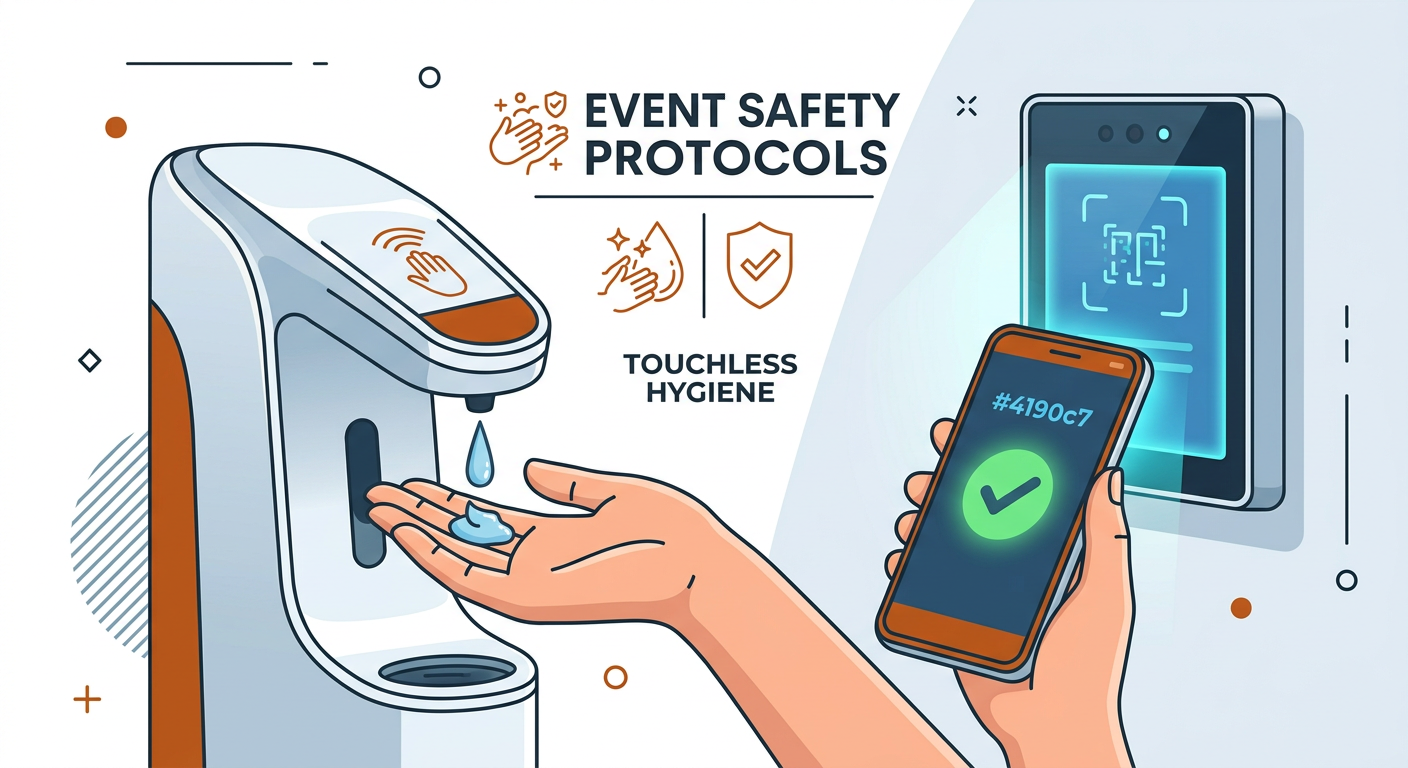
Some event organizers are implementing touchless sanitation areas onsite to increase attendee comfort levels and following social distancing guidelines and other safety protocols.
You also need to advertise your safety precautions so attendees don’t feel discouraged from registering for the event. Besides advertising your safety protocols, you can also require attendees to do a pre-event check-in and give QR codes to those who have met your event safety guidelines.
Since public health and hygiene have become the priority of many people, ensuring that new rules are followed can not only build trust among your attendees, but can also enhance the overall event experience.
Policies will vary depending on your state and the latest guidance from the CDC. You need to follow them to the letter or risk your event or conference being denied the permits. Make sure that you do your research and know which laws apply in your state and for your event.
Have Backups for Your Backups
You may have already forgotten about venue capacity, breakout rooms, contracts, and more, but with the return of in-person events, you’ll have to add these things back into consideration.
With the way the events industry is currently tasked to handle ever-changing regulations, you need to have several layers of contingencies to ensure that you don’t sacrifice attendee experience and event quality.
Plan for Low Turnout at the Beginning
You should expect your first few events to not get the turnout that you might have been used to pre-pandemic. Although people are eager for in-person gatherings, many are still understandably hesitant to commit to in-person plans.
More than that, it’s unavoidable that some of your key attendees have also grown to prefer the convenience of virtual settings.
As the pandemic continues to loosen up its hold on the world, you must continue to keep creating outstanding events, even if turnout is lower in the first few tries.
Keep Your Attendees Updated
Although our lives have become more predictable, there’s still no assurance that plans will go as expected. Things can still change in a flash, so you need to ensure that you can adjust to any eventualities.
One of the most important aspects of this is to keep your potential attendees updated in real-time.
Since everything is still in flux, you also need to ensure that your attendees are well-informed. This lets them adjust appropriately to any situations that might happen, as well as supporting attendee engagement.
You can do this by using an event mobile app like Yapp. Yapp enables event organizers to send unlimited push notifications right from their phone, which you can use to promptly alert attendees when a significant development occurs.
6 Event Best Practices to Increase Event Attendance and Engagement
Now that we’ve done our best to prepare, we can focus on the actual steps that you can take to create an outstanding event.
1. Choose Your Venue Carefully
The venue is going to be one of the most important factors that you need to consider when preparing for your in-person event. Not only does it set the tone for your entire event, but it will also dictate several logistical issues that might severely affect your attendees’ engagement levels.
Thus, choose your venue carefully by keeping these things in mind.
Capacity. Make sure that your venue has the right capacity for your approximate number of attendees adjusted for the COVID policies in your area.
Parking space. Consider how many people are going to be bringing cars and where they can park them.
Ambiance. Make sure that your event has the atmosphere you’re going for in your event. Things to consider are lighting, sound dynamics, and decor.
2. Know Your Budget and Needs BEFORE Executing
This is one thing that many event managers struggle with: budgeting mistakes. Not knowing how your needs fit into your allocated budget can have serious consequences.
Never execute an event without a clear financial plan. Ideally, plot out every foreseeable expense and then allocate a certain percentage of your budget for contingencies.
Don’t forget to factor in the budgetary contributions of your sponsors. Getting event sponsorships can help offset the costs of your event. Sponsorships don’t always come through, so never rely on promised money until it is in your bank account.
3. Give Your Attendees What They Want
Learn who your key attendees are and then give them what they want.
This goes further than simply giving attendees what they’re expecting. If you truly want to make your event stand out, go above and beyond your attendees’ expectations.
You can do this by getting firsthand information from your target demographics. Create a profile of your ideal attendee by finding out the following:
Socioeconomic demographics. These metrics can be determined by things such as gender, age, and income level.
Interests. Find out what your attendees like to do in their free time, what drew them to your event, and how their interests relate to your event.
Behaviors. What does your audience like to do? How do they do it? Can you make their habits easier for them? Is there any way that you can do so while improving event engagement?
4. Plan Structured, Interactive Activities and Agendas
Whatever event you have in mind, plan it with structured and participatory mini-events. Choose activities that are appropriate for your event and center your event or conference around these interactive events.
For example, tech events can host coding showdowns and academic conferences might use breakouts with hands-on activities.
An event where the attendees do nothing but sit down all day is unlikely to garner engagement and can reduce your chances of improving attendance at future events.
5. Include Your Partners
Your partners and sponsors are critical to making your in-person event work. Be sure you show your appreciation publicly by featuring them at your event.
This could look like a banner, a sponsored event space or activity, a partner collaboration at the event, or a sponsorship banner via your event app.
6. Support Your In-Person Event Goals with the Right Tech
In-person events require the support of social media and event planning tools. Many aspects of running an event in person are now managed with digital devices. Things like ticketing, scheduling, and security are all necessary aspects of your event, and your event really won’t work without the right technology.
Thus, you need to do your best to find the best tech suitable for your situation, whether you’re buying new software or shifting to another one to improve how you use them.
One of the most important technologies you need to use is event mobile app like Yapp, that can help you create an optimal event experience.
Ensure Your Next Event Is a Success with Yapp
Event management is no simple task. Sometimes, it might feel as if there are far too many moving targets we have to hit. This is even more compounded by trying to master in-person events in a world where there is still a risk of pandemic surprises.
If you want to ensure the success of your next event, one of the best things you can do is use an event mobile app such as Yapp.
Yapp is a one-stop shop for everything you need in an event mobile app. From scheduling, to networking, to real-time communication, you have everything you need to hit it out of the park at your next in-person event.
Yapp offers a practical guide to hosting a virtual event or conference successfully.
Strong planning, thoughtful content, reliable communication, and the right technology stack help virtual events feel more organized and engaging.
Teams running online conferences, webinars, or digital gatherings will benefit most from this framework.
The push for digitization has come more rapidly than expected.
Because of the pandemic, virtual events have become the new norm for whatever you are doing. Whether you’re working with your team, interviewing potential new hires, or even holding a big conference.
While this presented many downsides, especially during the rough adjustment period at the start of the pandemic, it’s now undeniable that virtual events or conferences have their merits.
But with COVID restrictions easing around the world, you now find yourself with more options than before.
During pre-pandemic times, conferences and events automatically happened face-to-face. At the start of the pandemic, nobody had any choice but to meet digitally. We are in a unique position where we can now choose between in-person, digital, or hybrid settings for our events.
How do you choose the method for your events? What factors should you consider? Is your event suitable for an online environment?
This article will help you decide on the best forum for your event and provide you with seven concrete steps to have a successful virtual event or conference. Let’s dive right in!
First: Should You Host A Virtual Event?
Before we get into the ones and zeros of virtual events, we first need to determine whether we should put our event in the virtual sphere.
We now have the technology and culture in place for a virtual setting, but many still yearn for traditional personal face-to-face meetings. More than that, each setting also has its advantages and disadvantages, which may or may not align with your company.
The first step is to determine if it makes sense for your business to host a virtual event, considering logistics and the expectations of your target audience.
Some events or conferences are all about the in-person experience, and recreating that on a virtual event platform can be challenging.
For instance, in-person conference attendees may purchase a ticket specifically because of the activities or perks they can expect at the venue. Prepared foods, open bars, happy hours, and live music are often part of a physical event experience that may not be possible to recreate online.
You can get creative and create an engaging virtual experience with live demos, cocktail recipes, and custom Spotify playlists.
At the same time, it might be easier to secure world-renowned keynote speakers and exceptional presentations for your online conference. After all, there’s no need to worry about travel, time zones, and physical constraints when creating a great virtual experience. All you need is the right platform, and you can have a successful virtual conference.
To determine if it makes sense to be hosting virtual events, start by creating a simple checklist of all the activities, people, and sessions you have planned. This checklist will help give you a good overview of what will be possible to recreate online.
Consider Your Logistics
After you have those basics defined, you can start getting into the thick of it by considering the logistics involved.
If you’re still undecided about how you should hold your event, you can likely finalize your decision when determining logistics. Ask yourself questions that determine your capabilities and resources, such as:
What’s the type of event you want?
Who’s your target audience?
What’s your time frame?
How much is your budget?
Who do you plan to invite as guests? Speakers?
Hashing out your logistics will help you iron out the details of your event. You can use this information to determine your final budget, tasks, people in charge, and more.
There are three categories of logistics that are directly tied to your event: venue, legal, and software.
Venue Logistics
Here are a few venue logistics you need to consider if you’ve booked a venue, specifically if you’re thinking about changing your event to go online.
Vendor commitments. Confirm whether you’re able to get out of vendor commitments. Some places may not allow you to cancel, or only reschedule your booking, so you’ll want to know this first.
Audience reach. Without a physical venue, you’re no longer limited to a certain number of attendees for activities or breakout sessions. By not being restricted to a place, you can expand your audience to other groups. On the other hand, satisfaction will probably be higher with in-person events.
Schedule re-creation. Without designated rooms for speakers and activities, you’ll need to consider how to recreate your schedule online using technology. For example, you can create a Yapp Multi-Track page with dedicated Zoom Breakout Rooms meeting links that allow you to host individual breakout sessions online at the same time.
Legal Logistics
Similarly, you need to consider the legal logistics involved with taking your event online, such as canceling vendor contracts or meeting compliance standards.
Venue contracts. Do you already have a contract for a venue drafted out? If not, going online will be very easy. If you do, you may want to involve your legal team. They’ll be your best resource for understanding the terms and what you can or can’t reasonably do when negotiating your cancellation.
Permits and licenses. What legalities and permits are required for an in-person event to function? Do you still need them if you go online? Can you recoup the costs of obtaining them if you already acquired them? Can they be extended for future on-site events?
Security and compliance. Taking your event online may involve security and compliance requirements that you’ll need to verify. For example, you may need to ensure that any new software used for hosting your online event meets standards such as HIPAA, ISO, or GDPR, depending on your event’s industry and regulatory requirements.
Software Logistics
Finally, while many companies are already using video conferencing software for meetings or remote work, that doesn’t mean that these tools make sense for your online event.
Event planners need to consider the type of virtual experience that they want to create, as well as their budget, preferred features, channel security, and more.
Are you considering buying a platform? Does it make sense for your business in the long term? You’re going to want to look at these factors when making your decision.
Therefore, here are a few software logistics you’ll want to consider.
Platform compatibility. Your virtual conference platform should be compatible with various operating systems and devices. Some event apps are built for iOS only or Android only or lack web viewing. Since many people consume media on various devices, pick software that considers your audience’s media consumption and device needs.
Tech support. You need to be able to provide some sort of tech support for your virtual attendees, regardless if you’re doing webinars or live streaming. Although event technology has already come a long way, not everyone can troubleshoot glitches and other errors on their own.
Attendee engagement. The software you use should allow you to engage attendees while providing excellent user experiences. Is the interface minimalist? Is it easy to view content on the app even with spotty Wi-Fi? Can attendees easily chat and network with each other?
Security and restriction. If you need to restrict your event, app, or content to a particular audience, then look for software with privacy settings. For example, if it’s an internal company event, restrict your app to a specific list of people, such as active employees only.
How Do You Take Your Event or Conference Online?
Once you’ve evaluated the pros and cons of taking your event online, you’ll want to make a plan for the shift. Having clear next steps will allow you to achieve your desired results smoothly.
To help you make the shift, here are seven steps for hosting an online event or conference.
1. Organize a checklist of everything and everyone involved
The key to hosting a successful event or meeting is organization. To ensure you don’t miss anyone or anything, we recommend building a checklist of all your event to-dos.
This foolproof event planning guide provides helpful tips for which tasks to accomplish the months, weeks, and days approaching your event. Tasks like searching for sponsors, finalizing your speakers’ list and presentation times, sending reminders, and promoting your function are just some examples of what you’ll want to complete in advance.
Whatever software you use, the key is making sure everyone is aware of what needs to be accomplished and organizing those tasks to tackle them together.
2. Figure Out Your Event Strategy as a Team
There are lots of different directions that you can take when building an event strategy.
Figuring out which channels to focus your energy on and what content to create are critical aspects of your event strategy that you’ll want to plan with your team.
Remember to focus your efforts and not stretch yourself too thin, especially if you’re on a tight deadline. To decide where to focus, ask yourself these questions when figuring out your digital events strategy are the following.
Which channels produce the most qualified leads and customers?
What email reminders do you plan to send before, during, and after the event?
How will you use social media to promote your event or create engagement?
What other assets do you need to create to support your event?
Where will you host your content, files, presentations, and images?
By asking yourself these questions, you’ll be ready to host an in-person or online event, such as sending event change updates and push notifications via your mobile app.
3. Reach out to your speakers and vendors
By far, one of the most critical aspects of event planning is making sure that your speakers, sponsors, and vendors are well-informed.
If you are still selecting sponsors or speakers, consider sending them an outreach email that includes the details of your event. You can also link them directly to the event they’re speaking at right from in your event app.
If you already have your speakers selected, schedule a follow-up email to thank them for agreeing to present. If it’s a sponsor you’re conversing with, reach out to them about doing mobile banner ads within the event app.
4. Get Others Engaged with Reconfiguring Your Event
Even if you have a dedicated meeting planner organizing your event, you need to get others involved, especially when reconfiguring your event for a virtual setup.
Here are examples of specific points in your event that will need involvement from different resources to transition to online.
Website Access
You’ll need to set up a way for attendees to access the event online on the day of, as well as the ability to register if they haven’t already. Technical resources will be required to make sure everything operates smoothly.
Page Visibility
Setting up an online-only event page differs from an event page that has a location. The way the page displays in Eventbrite and search engine results will be different. If you search “events this weekend near me,” Google may show events from websites like Eventbrite that are at a venue near you based on your location.
5. Decide on the best software for hosting your event
Without the right software, hosting a high-quality virtual event will be difficult and likely result in a mediocre attendee experience. There are many good options for hosting virtual events such as Zoom, GoToWebinar, and Demio.
But what if your event is hybrid or in-person?
In that case, rather than a tool that will help you broadcast the event, you need something that will help guests stay engaged and interactive during the event. This is where an event mobile app like Yapp can be a game changer!
With Yapp, you can keep your attendees and your event team informed in real-time about the schedule and any changes. Plus, you can provide a social feed for attendees to share photos and stories along with their event experience.
6. Update your marketing and sales content
Shifting to an online event strategy also requires updating event marketing and sales content that you previously published or had planned. The most critical content to prepare and update includes:
Reminder emails and save-the-date
One-on-one sales and outreach emails
Customer success emails
Push notifications
Website landing page
Event registration page
Registration thank you page
Schedule and relevant dates
Event URL and anywhere locations appear
Banner ads, social ads, and paid ads
Social media profile and feed images
You can also consider setting up social stories for sharing video tutorials, interviews, product sneak-peaks, and more.
Transcripts of sessions, templates, checklists, cheat sheets, and guides are other great examples of resources that you can easily make a part of your online event and incorporate into your app.
7. Think Beyond Recreating a Traditional Offline Event
Virtual events don’t have to be limited to recreating the offline experience online.
Instead, think beyond redoing what you had planned and consider things you can do online, like activities and games that were previously impossible or limited.
Get creative with different ways of engaging your attendees. For instance, did you previously do live Q&As? Well, you can do a digital Q&A session! Or integrate a virtual competition equipped with points, badges, and rewards.
In summary, hosting a virtual event could be an excellent move for your business, especially if you employ the right tools to create an engaging digital event.
Considering a Mobile App for Your Event?
Whatever form your event may take, be it online or in-person, nobody likes a half-heartedly done event.
One of the best steps you can take to make your online event successful is to use a comprehensive events manager app such as Yapp.
Yapp is an event mobile app platform that helps you do everything. From scheduling to communicating with your team and other key stakeholders, Yapp has all you need to make a well-oiled and ready-to-go virtual event or conference. If you want to use an event app for your next event, you definitely won’t regret choosing Yapp.
Yapp explains how to use Google tools and search visibility to promote an event more effectively.
Search-friendly event pages, Google-friendly content, and smart promotion tactics help more people discover your event online.
Event marketers who want stronger online discoverability should use this guide.
Google is used for everything nowadays. From streaming movies, finding your next favorite restaurant, and even booking your next event.
Google has always been stingy about its search data. Still, estimates by third parties such as Internet Live Stats speculate that about 5.5 billion Google searches happen every day, at a rate of about 63,000 per second.
Due to this, it makes plenty of sense for event managers to leverage this wide audience to promote an event.
But how exactly can you promote your event on Google, and what are the best ways you can do so? Find out more in this in-depth article!
Why use Google to Promote Your Event
Google is the most-used search engine today. This makes it the #1 place that most people go to when they want to look up an upcoming event.
To capitalize on such strong demand, Google developed systems for allowing event planners to market their events on their platform. The most notable is called Event Markups.
By now, you’ve most likely unknowingly used this function in some way or another. When you search for “concerts near me” or “cooking classes near me,” Google displays a wealth of valuable event information that you can use to decide which event you will go to next.
As event organizers, you need to know how to put up their events on Google. More than that, you need to know how to make your event stand out from the rest!
But why use Google? There are a few other resources that you can use to list your event online, and some might even be easier. Nevertheless, here are some reasons why we argue that Google is the best place to promote your event online.
Wide Reach
As mentioned, Google is used for (or at the very least connected to) almost everything we do in our lives. It’s a common room for almost all event attendees, from teenagers to office employees to CEOs—every demographic imaginable visit Google at one time or another.
Being a good event planner means advertising where your potential attendees already hang out, and that’s Google’s search platform.
Not just that, but Google also provides a complete suite of information that can guide your potential customers from the discovery of your event to driving directions to the event location with Google Maps. It’s a complete ecosystem of solutions, all in one place and accessible with just one search.
Specificity and Control
Google gives you a good amount of control over how your events will be displayed. Search engine optimization and pay-per-click schemes can be fine-tuned down to the last letter, depending on market research results.
This level of control is important because individuals search for events with a variety of intentions that are more difficult to pick up on other channels such as apps or social media platforms.
Better Targeting
Tools such as event tags allow you to optimize your event according to exactly what your customers might be searching for, such as locality, mobile devices, social media, etc.
Google will use different metrics to classify your listing and filter it through to make sure that it only reaches interested searchers.
Ease of Use
Google’s event listing features are easy to use and comfortable to learn.
For those who are just learning, there is tons of information about it, such as this article. Even for those who know what they’re doing already, there are many tools and features to discover that can drastically improve how easy the features are to use.
There is even plenty of third-party software that can further optimize and automate a lot of things for you, which lessens the amount of time you spend navigating the learning curve.
Data Analytics
Depending on the scale of your operations, the degree to which you want to measure the impact of your marketing campaigns will vary. Nevertheless, it’s critical to have some form of data gathering and analytics for your campaigns.
This is so that you can have a reliable template for your event planning, a template with data-driven methodologies and measurable effects.
Google Analytics provides varying analytical capacity depending on your needs. If you want an overview of some key insights, the free version will suffice. If not, there are also premium services you can subscribe to, with a comprehensive view of all the relevant metrics that you can use to inform your digital marketing for your event.
How to Create an Event Listing on Google
Now that you know the importance of listing an event on Google, how exactly do you do it? There are multiple ways to go about this task, which we’ll provide you with an overview of here.
With a Third Party Website
Third parties such as social media and ticketing websites will most likely have their event website listed on Google’s event search experience, so if you’re posting about your event there, you should already have your work cut out for you.
If you’re not sure, you can check simply by searching for an event listed on the platform and see whether it’s listed on Google.
If the event posted on your website shows up, you don’t have to do anything else, and you can simply continue posting as is. Your website will automatically list it on Google without you needing to do anything else.
Using a Content Management System
A content management system, or CMS, is a platform/service that you use to create and host your content marketing efforts. Examples of this are WordPress, SquareSpace, and Wix.
The best thing you can do is to check if there’s a plugin within your CMS platform that can automatically add the data for your events to appear on Google without you having to learn HTML. Plugins make it easier to modify critical things like this without needing to spend time learning about the technicalities.
Using a Data Highlighter
You can use a tool like Data Highlighter to connect to the Google platform by highlighting your events. This is best if you want to feature your listings without needing to modify your HTML. This is a good option if you already have an event website and want to maintain your existing website structure.
Go to the Data Highlighter page.
Select “Start highlighting”.
Select “Events” as the type of data you’re highlighting.
Enter the URL of the page that you want to highlight data on. This could be a single page, or a series of pages that share a common format. For example, if you’re highlighting event listings on a calendar, you would provide the URL of the calendar page itself, rather than each individual event listing.
Select the tag elements that contain your event information. For example, on a calendar page, you might identify the tags.
Data Highlighter will display a preview of the data it has found on the page. If the data looks incorrect, you can go back and adjust your selections.
Once you’re happy with the preview, click “Publish”. This will create a new Google Calendar for your events, which you can then view and edit at any time.
With HTML
If you’re using a CMS to show your content to the internet, then you’re most likely taking care of the backend of your website as well.
This is important since you’re going to be doing a bit of tinkering with your website’s code with Google’s requirements if you’re not willing to do the previous two methods to add your events to Google.
By editing your event page’s HTML and using plugins, you can integrate with Google directly.
Tips for Making Your Event Listing Stand Out
Knowing how to put your event on Google is only the beginning. Even if you have your events listed on Google, it won’t do any good if it’s not optimized to stand out from the rest.
This section will discuss how you can make a stand-out event listing that will capture your target audience’s interest.
Optimize Your Event Schema Markup
This is perhaps the most critical aspect of ensuring that your event listing is the best quality possible for your optimization goals.
The Google event markup schema is essentially metadata that informs the search engine that your page is about an event.
The schema tells the search engine important information such as what kind of event it is, where to find essential data about your event, what other resources are being used on the page, and more.
“Marking up” a schema simply means the important data that you place at the right spot with the right format for Google’s web crawlers to easily follow. The following are the most important event schema that you need to mark up:
Venue of your event
Address of the venue
Event name
Starting and ending dates
Description of your event
Images such as logos, teasers, etc.
Offer type, price, availability,
Performers, artists, and notable personalities were present.
Marking the following information up will ensure that Google’s web crawlers will have an easier time collecting that information so it will be found when a search for it is being conducted by your audience.
This is important since the easier Google’s crawlers can index the information they need, the better the page’s rankings will tend to be.
But it’s not just the event primer itself that needs to have optimized SEO through event schema. To get the full benefit of organic Google search results, include the following pages.
Event carousel
Rich snippets
Knowledge panels and graphs
Pro tip: Include all of the relevant information in your rich snippets. That way, audiences can immediately see the details from the search results without having to click your link and look for the information.
Have a Balanced SEO Strategy
As you might have guessed from the previous item, search engine optimization is still key when it comes to ensuring that the right event pages can be found by your audience on Google.
The platform’s event experience has two main functions: transaction (buying tickets, booking seats, and more), and information (learning event dates, ticket prices, etc.)
The previous section focused on the technical SEO tasks, that is, making your pages easier to “see” for search engines. In this section, we will look at the importance of drafting great content on your landing page and building high-value linkages.
Don’t just count keywords; you also need to make your content exciting.
Have an Aggressive Marketing Strategy
Your event is only as successful as your marketing strategy. Make sure you have a plan to get butts in seats and keep them there. Below are a few key components to include in your strategy.
Have a clear and concise message about what your event is and why people should attend.
Utilize all channels of marketing including social media, email, print, and word of mouth.
Get creative with your marketing materials- make them memorable so people will want to attend and talk about your event.
Make it easy for people to sign up or register for your event- the easier you make it, the more likely they are to actually do it.
Keep your target audience in mind at all times when crafting your marketing strategy.
Have a plan for follow up after the event- thank attendees and ask for feedback to improve future events.
The more exciting, valuable, and talked-about your content is, the more likely it is for you to spark engagement around your event .
Strategically Use Keywords In Event Names
This one might rely as much on intuition as it does on data, although there are tools you can use to search keywords that might accurately grasp the intention of your searchers and thus would be a great tool to add interest to your event name.
Using well-placed phrases in your content makes it more likely that people will take action. You should also know which keywords generate the most interest within your niche.
Interest from people will go a long way towards making your Google listing stand out.
Examples of useful keywords that you can add to your event name can include:
Exact city or region of the event. Searchers are likely to include this in their query, especially if they’re looking for local events.
Type of event. Conference, webinar, workshops, online events, or other event types.
Activity/behavior. A Google search will also likely include action words about the event.
How to Track the Success of Your Event Promotion Campaign
Tracking relevant metrics is critical in refining your strategies to conduct a good event promotion campaign. As a good event planner, you need to know how to properly track the performance of your event marketing strategy. Here are some tips.
Know your goals. First of all, you need to lay down exactly what it is you’re working towards. Know how you will measure your success (tickets sold? or campaign engagement?), and then know what corresponding metric you can reliably measure.
Set your time frame. As an event planner, the time frame leading up to your event should already be well-defined. Set your marketing time frame based on the timing of your event.
Select your KPIs. Now that you know your goals and the time frame you’re supposed to achieve them, you can now think about how you can measure those goals. Decide on which event KPIs matter to your team, as well as how you can get those KPIs. For example, is increasing raw event attendance your top priority, or do you have more specific goals like average breakout session engagement or post-event attendee satisfaction?
Go into detail. Flesh out your KPIs and goals by going into detail as much as possible. Ensure that these factors adhere to the SMART principle as much as possible.
Consider making a measurement template. As an aspiring event marketer, you will need to ensure that your measurement methods improve over time. Create a reliable template for measuring your next events.
Promoting Your Event on Google This 2022
Good event management means good marketing. Promoting your event on Google is one of the most reliable ways that you can market your event online, with millions of people searching the web every minute of the day.
Thus, you need to know everything about making your event listing, Google listing, and event promotion. With this article, hopefully you have everything you need to accomplish this.
As good event managers, one of the best things we can do to improve our event planning is to use Yapp as your event mobile app.
Yapp allows you to:
Create Your App in Minutes
Add Unlimited Pages & Content
Leverage Instant Publishing
Add Unlimited Updates & Changes
If you want your event to be as painless as possible, try out Yapp’s free trial now!
Yapp highlights six common event budgeting mistakes that can undermine planning and ROI.
Better forecasting, tighter tracking, and more realistic assumptions help planners avoid waste and last-minute surprises.
Event organizers who want stronger budget control should use this checklist.
Everyone loves a good event. But not everyone knows how difficult — and costly — they can be to plan and execute.
But you do.
You must consider everything from the venue and food to the entertainment and guest list. As event managers, you know that there are many factors to consider, and it can be easy to make mistakes that cost you more money in the long run.
This guide will share six common budgeting mistakes to avoid to ensure your next event goes smoothly and seamlessly.
Mistake #1: Not Asking for Discounts
Discounts are a fundraiser’s best friend. But all too often, organizations overspend because they failed to ask for them when planning an event.
For instance, many organizations don’t realize they can get a discount on the space rental fee for their venue if they host their event during the week instead of on a Saturday night.
Not asking for discounts is leaving money on the table that could be used to make your event even better, like investing in a mobile event app to keep attendees informed and engaged before, during, and after the event.
How to Avoid This Mistake
The best way to avoid this mistake is to ask for discounts whenever possible.
When you’re speaking with potential vendors, always inquire about any discounts that may be available. For instance, you might say, “Are there any discounts available if we book your services for a weekday instead of a weekend?”
Here are a few more things to keep in mind:
For the venue: Many venues offer discounts for events held during the week or certain hours. Some may also offer a discount if you’re a nonprofit organization.
For the food and drinks: Caterers and restaurants may be willing to give your organization a break on the cost of food and drinks if you order in bulk or if you host your event during a slow time for their business.
For any other services: When renting tables, chairs, or linens, setting up audio/visual equipment, or hiring security, always ask if the company offers discounts. The worst they can say is no!
Mistake #2: Not Checking the Fine Print
Often, organizations will find what appears to be a great deal on a vendor only to realize later that the deal isn’t so great. This is usually because they didn’t take the time to read the fine print.
For instance, you may find a great deal on renting audio/visual equipment for your event, but when you get the bill, you realize that the price doesn’t include setup or breakdown. Or, you may find a great deal on catering, but you later discover that the gratuity has not been included.
How to Avoid This Mistake
Ensure you understand the terms and conditions of any deals or discounts you’re considering. If you’re unsure about something, don’t hesitate to ask questions. It’s better to clarify things up front than to be unpleasantly surprised later.
It’s key to clarify the following:
Total cost: Ensure you understand what’s included in the price and what’s not. For instance, find out if taxes, setup and breakdown are included in the price of renting audio/visual equipment.
Delivery fee: If you’re ordering food or other supplies for your event, check their delivery fee and negotiate it upfront.
Cancellation policy: You should always plan for contingencies such as cancellations due to events out of your control. Before signing the agreement, clarify the cancellation policy, including any penalties you may incur.
Mistake #3: Not Shopping Around
Just because you’ve used a particular vendor in the past doesn’t mean they’re the best option for your current event. It’s vital to shop around and get quotes from multiple vendors before deciding to ensure that you’re getting the best possible deal.
Even if you are set on one vendor, getting a quote from another doesn’t hurt. This way, you may be able to use the quote from the other vendor as leverage to negotiate a better price with your preferred vendor.
How to Avoid This Mistake
Whenever possible, get quotes from three or four vendors before deciding. Make sure you compare apples to apples by getting quotes for the same services.
To get the most accurate picture, give each vendor the same budget and see what they can do within that budget, so you’re making a fair comparison.
Further, look at the quote holistically. In addition to price, also consider things like:
Reputation: Check out online reviews to understand the vendor’s reputation.
Quality of service: A vendor may be willing to lower their price, but if they’re not going to provide good quality service, it’s not worth it.
Flexibility: Some vendors may be inflexible regarding things like delivery times or cancellations, which can create a lot of headaches down the road. So, it’s best to avoid them if possible.
Mistake #4: Not Having a Contingency Fund
No matter how well you plan, there’s always the possibility that something will go wrong. That’s why the key part of budgeting is giving yourself some wiggle room by setting up an emergency fund. This will help ensure you have the finances to deal with unexpected issues.
For instance, if you need to make last-minute changes to your event or if a vendor cancels on you, having a contingency fund will help ensure that you’re still able to pull off a successful event.
Additionally, some guests might RSVP at the last minute, so it’s essential to have some extra money set aside to cover their expenses.
How to Avoid This Mistake
When you are in the event planning stage, set aside some money in a contingency fund. This will help ensure you have the finances to deal with unexpected issues.
Deciding the amount of money to set aside in your contingency fund can be tricky. A good rule of thumb is to set aside 10-20% of your budget for unexpected expenses.
Here are some points to keep in mind while setting up a contingency fund:
Decide the amount: Make sure the amount you set aside is realistic. You don’t want to save too much money, which will cut your event budget. On the other hand, setting aside too little money could leave you in a difficult situation if something goes wrong.
Try to predict issues: Consider the worst-case scenario when setting aside money for contingencies. This will help ensure you have enough money to cover any unexpected expenses.
Mistake #5: Not Getting Everything in Writing
Getting everything in writing will help ensure that both parties are clear on the terms of the agreement. It also provides a written record in case there are any disputes down the road.
You might have worked with a vendor in the past and had a verbal agreement, but things can always change. For instance, if you’re renting a space for your event, make sure to get the terms of the rental agreement in writing.
This way, there’s no confusion about the length of the rental period, the price, or any damage deposits that may be required. The same goes for any other agreements you make with vendors, suppliers, or contractors.
How to Avoid This Mistake
Here are some tips to help you avoid this mistake:
Get everything in writing: Make sure you get all agreements in writing, no matter how big or small, to validate that all parties are about their rights and liabilities.
Review the agreement: Once you have the agreement, take some time to review it carefully. Make sure that everything is in order and that you understand the terms of the agreement.
Don’t be afraid to negotiate: If there’s something in the agreement that you’re not happy with, don’t hesitate to negotiate. It’s better to get the terms of the agreement sorted out before signing anything.
Mistake #6: Not Checking References
When working with a new vendor, it’s always a good idea to check their references. This will give you some insights into their work ethic and the quality of their work.
References will give you an objective view of the vendor. For instance, a client might tell you that the vendor was constantly late or that they did a poor job. You cannot get this information if you only talk to the vendor.
Asking for references is a simple process, but it can go a long way in helping you avoid problems down the road. When you check references, ask about the vendor’s punctuality, communication skills, and overall quality of their work.
How to Avoid This Mistake
We cannot emphasize this enough – always ask for references. Here are some points to keep in mind while checking references:
Ask for references! This will give you a better idea of how the vendor works with clients in your industry. For instance, if you want to host a virtual event for small business owners, look for references from clients with similar requirements.
Don’t just rely on references: Checking them is a good idea, but you should not rely solely on them. Make sure to do your due diligence as well. A trick is to go through the social media account of the planners and see their comments – this will often tell you more details than any marketing material.
Follow up: Once you have the references, follow up and talk to them to get a better idea of the vendor’s work ethic and quality.
Optimize Event Organization with Yapp
We understand that organizing an event is no easy task. There are a lot of moving parts, and it’s easy to make mistakes. This is why we created Yapp – to help you organize and manage your events more effectively through a mobile event app.
Whether you’re looking to streamline communication with attendees or enhance your event’s branding, Yapp has you covered. And because we know that no two events are alike, we offer various customization options to suit your unique needs. So if you’re ready to make your next event a success, sign up for Yapp today.
You can create a personalized event app in minutes without coding or design experience with Yapp’s award-winning editor. You can use your app to keep your attendees updated on the latest event information, send push notifications, and track their engagement.
Start your free trial today and see how Yapp can help you make your next event a success.
Yapp shows how to get more value from your event app by using it intentionally before, during, and after the event.
Best practices around communication, content, and engagement help create a smoother and more useful attendee experience.
Event teams that already have an app and want stronger results should use these tactics.
Considering an event mobile app for your next event? You’ve come to the right place!
Event mobile apps are a must for any organization seeking to increase interaction and engagement for their events.
In this post, we’ll review your options for creating an event app and what features you can leverage to create the best experience for your next event.
How To Create an Event Mobile App
There are two options for creating an event app. If you’re looking for a fully customized, standalone event app, you will likely need to hire a developer to create one for you from scratch.
Option #1: Custom Standalone Event Apps
While this does allow for more control and custom features, this route can be expensive, time-consuming, and difficult to get right.
Still, for organizations with large event budgets, highly specific branding, or feature requirements (e.g. South By Southwest or the World Economic Forum), a standalone app can be the right choice.
Option #2: Container Apps for Events
Alternatively, most event managers opt to use event app solutions that utilize a container app to greatly reduce costs.
With a container app, event planners can utilize a purpose-built app creation platform to construct their event app, avoiding the design, development, and project management skills needed for creating a custom app from scratch.
Container apps like Yapp come with features typical of the most successful event mobile apps and take a couple of hours rather than weeks (or months) to set up.
Using a container app with strong editing tools is a great choice for event managers looking for a full-featured yet budget-friendly option for building an excellent event mobile app.
How to Increase Your Event Mobile App Engagement
Creating an event app does not have to be a big investment. And it can still deliver on attendee engagement, cost reduction, and help create a better event experience when done correctly.
Here are some tips on how to leverage your event app for an optimal experience.
Use push notifications wisely
Push notifications are a great way to keep attendees updated on important information, such as schedule changes or announcements.
However, overuse of push notifications can be annoying and may cause attendees to uninstall your app. So use them sparingly and only for the most important information.
Make sure the app is easy to use
Attendees should be able to easily find the information they’re looking for in your app. The navigation should be intuitive and the design should be clean and simple.
If your app is confusing to use, attendees will be less likely to use it. So try not to overload attendees’ attention with too many pages within your app. We recommend 4-6 max.
Include relevant content
Your app should focus on content that is relevant and helpful to attendees at your event. This often includes a schedule of events, speaker bios, session descriptions, maps, and more.
Again, including too much content will make your app seem cluttered and will make it more difficult for attendees to find the information they’re looking for. Keep it crisp and to the point!
Keep the app up-to-date
Attendees will expect your app to be up-to-date with the latest information about your event. Make sure to regularly update the app with any changes or new information.
For custom, standalone apps, this can be tricky because updating them sometimes means re-submitting them to the app store for both iOS and Android and awaiting a fresh approval.
The last thing event organizers want is to be waiting on an approval for a time-sensitive update while your event is going on.
With a container app, app store approvals are managed at the container level by the service provider, so that your event mobile app can be updated instantly.
Being able to publish event updates quickly and confidently can help event organizers focus their time on other aspects of event management.
Promote the app before and during the event
Make sure attendees know about your app before the event by promoting it in your marketing materials.
During the event, promote the app through signage, announcements, and interstitial slides. The more people who use your app, the more useful it will be at driving engagement with your audience.
Get feedback and make improvements
After your event, get feedback from attendees about their experience with the app. Use this feedback to make improvements for future events.
Event mobile apps like Yapp will even let you perform simple polls to get your users’ anonymous opinions about their experiences of your event. You can use similar features to collect feedback about each session your attendees participate in.
Now that we’ve discussed your options for creating an event mobile app and how to leverage it to get the most engagement from attendees, let’s wrap it up with 8 simple tips for a successful event overall.
8 Tips For a Successful Event
Embrace Modern Trends
By leveraging your digital event app, you can create a more modern and convenient event experience for attendees.
Paper event materials can be costly to print and ship. In addition, attendees often turn down single-page flyers from sponsors and certainly do not prefer to walk around with huge paper binders containing event information. Those days are behind us.
Event apps are becoming more popular and are a great way to enhance the attendee experience while lowering your own event costs.
Leverage Tech to Enhance Networking
One of the most important things attendees expect to do at your event is network. An event app can be a great tool for networking by enabling attendees to create digital profiles, share bios and contact information, and easily find each other online during and after the event.
Many conference attendees report that the most valuable takeaway is the relationships that they formed or strengthened during the event. A great event app can foster social engagement and help create space for these relationships to grow.
Appreciate Your Sponsors
Your sponsors are a big part of your event. They provide the financial support that allows you to put on a great event, so make sure you’re leveraging your event app to show appreciation for your sponsors.
Include their logos in the app and make sure attendees know who they are. You can also use the app to promote special deals or offers from your sponsors.
By showing your appreciation for your sponsors, you can build stronger relationships and ensure their continued support.
Additional Sponsor Tips
Utilize eye-catching banner advertisements near the bottom of the screen, where a user looks to navigate through the app.
A splash page that highlights sponsors for a few seconds is a great option to increase your top exhibitors’ reach.
Sponsored push notifications are also a fantastic way to increase a brand’s visibility. Use these sparingly though!
Keep App Updated After Event
After your event is over, attendees will still use your app. They may use it to look up contact information for someone they met or recall the name of a speaker or a particular slide from the schedule of events.
The post-event experience should carry forward the positive energy from the actual event.
Use your app to stay connected with attendees after the event is over and make sure they have a positive experience.
Capture Data and Measure Your ROI
Make sure you’re capturing data through your event app. This data can be used to measure the success of your event and make improvements for future events.
You can track things like how many people used the app, what features they used, and how long they used it.
This data will be invaluable in planning future events and making your next app even more useful to your audience.
Make Sure the Event App is Compatible With Different Devices
Make sure your event app is compatible with different devices such as iOS and Android devices, and that everything works properly on different screen sizes. This will make it easy for attendees to use the app and ensure that all of their data is in one place.
Don’t worry about outdated platforms like Blackberry and Windows Phone. Their market share has shrunk to the point of irrelevance.
By making your event app adaptable, you can make sure that everyone can take advantage of its features.
Include Customer Service Contact Information
Include customer service contact information in your event app. This will ensure that attendees can reach someone if they have any problems with the app.
By including customer service contact information, you can make sure that attendees have a positive experience.
Conclusion
To wrap up, it’s important to ensure your event app is kept up-to-date and is promoted before and during your event.
To continue improving your app and event experience, get feedback from attendees after the event.
Also, be sure to optimize the attendee experience with helpful communication and interactive features, appreciate your sponsors, and capture data to measure your ROI.
By following these tips, you can leverage your event app to create a more modern and convenient event experience for attendees.
If you’re in search of a mobile app to assist with your next event or conference, Yapp can help.
Our full-featured mobile event app can help you collect all the information about your event in one location, making it easier for attendees to have everything they need on their mobile device.
Yapp explains how mobile apps for events and conferences centralize information and improve attendee engagement.
Schedules, notifications, networking, sponsor promotion, privacy controls, and analytics help events become more efficient and interactive.
Organizers evaluating the value of an event app or planning a new rollout should start here.
What are Mobile Apps for Events and Conferences?
A mobile app for events and conferences is a software application designed to make your event or conference more organized, efficient, and engaging.
The app can be used to centralize all the information related to your event or conference in one place. This way, attendees can have everything they need at their fingertips, including the schedule, list of speakers, map of the venue, and more.
Mobile apps for events and conferences can also facilitate communication and networking among attendees. For instance, attendees can use the app to share photos and interact on social media or on an event-specific feed within the app itself.
The Benefits of Mobile Apps for Events and Conferences
When it comes to events and conferences, there are a lot of moving parts. From planning to execution, keeping everything organized and on track can be difficult. That’s where mobile apps can help. A good mobile app for events and conferences can make life much easier for organizers and attendees.
Here are some benefits of using a mobile app for your next event or conference.
Support Engagement on Mobile Devices
With more and more people using mobile devices, it’s never been a better time to create a mobile app that allows attendees to get information and engage with your event right from their phones.
Using a mobile app, you can ensure that all the information related to your event or conference is readily available on attendees’ mobile devices. This includes the schedule, list of speakers, map of the venue, and more. Additionally, a mobile app can facilitate communication between the organizer and attendees and networking among attendees.
Attendees can also use the app to communicate and provide feedback about their experiences through polling features.
Set Up Your Event Easily
Creating an event with an event mobile app is easy! With just a few clicks, you can add all the essential details about your event, including the date, time, location, and more. You can also add photos to give your event page a personal touch. And once you’re finished, you can share it with your attendees and staff with just a few clicks.
With all the information related to your event or conference centralized in one place, you can save a lot of time, money, and effort in terms of event planning and execution. For example, centralizing your event information allows you to drastically reduce or eliminate paper programs and printing costs and the logistics of shipping and distribution at the event.
Push Notifications for Sharing Event Information
One of the great benefits of using a mobile app for your event is the ability to send out push notifications. This way, you can remind attendees about essential aspects of the event, such as upcoming scheduled sessions, speaker keynotes, and more.
Push notifications allow you to communicate with attendees about last-minute changes or updates. For example, you can notify people through a push notification if there’s a change in the schedule or if a speaker has to cancel.
Push notifications are a quick and easy way to keep attendees updated and informed about all aspects of your event or conference.
Be Environmentally Friendly
Event mobile apps can help event managers reduce the event’s environmental footprint by using less paper. For example, an event mobile app can send electronic notifications instead of paper notifications. It can also be used to create a digital rather than a paper program.
Event mobile apps can also be used to collect data electronically instead of on paper forms. By using less paper, event mobile apps can help to reduce the impact on the environment.
Can Be More Cost-Effective with Container Apps
Event managers have two options when considering an event mobile app: a container app or a custom-built (or white-label) standalone app. A container app is a single app that can house many different event apps within it. In contrast, a custom-built event app is built by a developer specifically and solely for your event.
While creating a standalone app can provide more options for customization, they require far longer to develop and are often much more expensive than container apps. In addition, app store approvals typically take much longer for standalone apps and can lead to delays in getting the most up-to-date content out to your attendees.
A mobile app can also be used to create networking opportunities among attendees. With a mobile app, attendees can easily connect by posting about the event on a social feed within the app. Additionally, they can use the app to network with exhibitors and sponsors by locating their profiles and any digital materials within the app. Ideally, attendees should be able to share their contact information, a photo, bio, and any social links within the event app to connect with others both online and offline.
By using a mobile app for your event or conference, your event can become more interactive and engaging for attendees.
Gather Data
A mobile app can be a powerful tool for gathering data about your event or conference. With a mobile app, you can quickly get attendees’ engagement and activity details. For example, the best mobile event app providers enable event managers to see important metrics such as total app installs, device breakdown (iOS vs. Android), and total views of specific pages within the app.
Additionally, you can also use the app to collect feedback from attendees. By obtaining information on your event or conference, you can improve the entire experience for attendees.
You may also use the data to inform future events and conferences. The ability to gather data through a mobile app provides event and conference organizers with a valuable tool for improving the overall experience for attendees.
Showcase Your Event Sponsors
A mobile app can also help you create more opportunities for sponsors and attendees to interact. By using a mobile app, you can provide sponsors with more exposure and visibility. You can also use the app to offer sponsors more value for their investment.
For instance, the app can promote sponsors’ products and services to attendees. You can also use the app to give sponsors an additional presence at your event or conference. Doing this can create more sponsor engagement opportunities and generate more revenue for your event or conference
How to Get The Most From a Mobile Event App
Now that you know all the benefits of using a mobile event app to support your next event let’s talk about some specific ways you can leverage your app to improve attendee engagement at your next event.
Build an Event Information Page
The first place to start with your event mobile app is to create an event page where you can share details about what users can find while using your app. You can also add images, videos, and call-to-action buttons to create a customized and professional-looking page that will help users understand what they can find in your app and encourage them to explore further.
Create an In-App Social Feed
App users are increasingly expecting to have a social experience when using apps. By allowing users to post photos or videos and comments or engage with other users’ posts through liking or commenting, you can create a more engaging experience that keeps users coming back.
As a bonus, by including a social feed in your mobile event app, you will be able to keep all interactions uniquely focused on your own event. Further, you will be able to easily analyze event engagement within your app rather than tracking external social media platforms.
Moderate Your Social Feed
Another key benefit of having an in-app social feed is the ability to moderate the content that gets posted. Inappropriate content can damage your app’s reputation and cause users to lose trust in your community. As your app administrator, protecting your user community from inappropriate content is vital. So be sure to use moderator settings to review content before it’s published.
Utilize Scheduling Features
Organizing your event schedule can be daunting, especially if you have a lot of different activities or multiple tracks to manage. Scheduling tools are an event mobile app feature designed to make things easy by organizing everything chronologically, by department, focus, day, or whatever you need.
Simply add all your tracks, meetings, workshops, and activities into one place so you can focus on what’s essential and leave the details to the app.
Keep Your Staff Informed with Announcement-Only Feeds
Any business owner knows that keeping your employees in the loop is key to ensuring a well-oiled event machine. Whether you’re sharing a last-minute schedule change, our alerting the appropriate party of technical difficulty- and admin-only feed can help you get the word out quickly and efficiently.
Protect Attendees And Their Privacy
It’s crucial to find an event mobile app solution that allows you to dictate who should have access to the app and who, if any, should be restricted.
Leading event app solutions allow organizers to create public apps that anyone can download and use as well as private apps limited just to a specific list of attendees. In addition, conference and event organizers should look for mobile app platforms that enable them to revoke access from specific individuals at public events.
Further, in an age of social media behemoths seemingly doing whatever they want with user data, attendees may appreciate the privacy that comes with using an in-app feed. The most reputable event mobile app solutions will not sell users’ data. When organizations treat their users’ data with respect, it fosters a safe environment in which people feel comfortable sharing their information and interacting with your app.
Clone Your App To Streamline Your Next Event
Finally, use app cloning to quickly create a new app based on an existing app for similar or repeating events. This will allow you to create a new app with similar functionality to an existing app or create a new one based on an existing one but with different features.
Cloning can save time and money by allowing you to to base your new app on an existing app rather than starting from scratch. It can also quickly create multiple versions of an app for testing or for different market segments.
Conclusion
If you’re looking for a mobile app to help with your next event or conference, check out Yapp. With Yapp, you get all the above mentioned features, benefits, and more. Our full-featured mobile event app builder is affordable and easy to use, perfect for limited event budgets.
Yapp can help you centralize all the information related to your event in one place, making it easy for attendees to have everything they need at their fingertips.