Yapp shares tips for displaying events and schedules in classroom or school settings.
The post shows how apps can help organize and communicate school-related information more clearly.
Educators and school event organizers will benefit most from these ideas.
Your app isn’t complete without a news feed — a place for everyone to follow the Twitter action, a spot for conversations to flourish.
What’s even better? Getting to show that feed live on a huge screen in front of everyone to make following the conversation doubly fulfilling — it follows the crowd while the crowd follows it.
How to do this? If you’ve got an iPhone, an iPad or a Mac, you can do this super easily through Airplay Mirroring, which we told you about on Tuesday. If you’ve got HDTVs set up at your event or one in your classroom, you can send info directly from your phone’s control center, as long as the phone and the TV are on the same network.
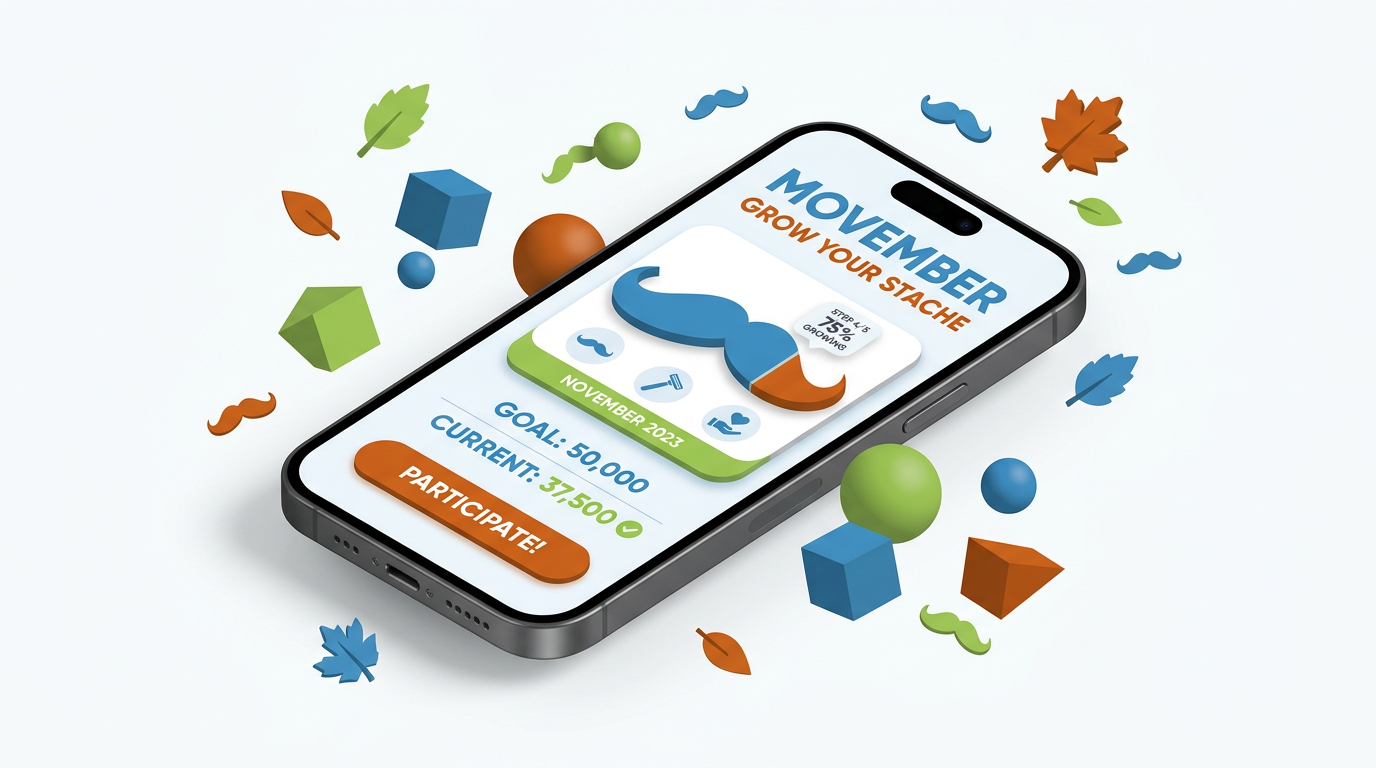
Yapp shares themed app tips tied to Movember in a playful, seasonal format.
The post shows how apps can support campaigns or events with timely content and branding ideas.
Users looking for fun, campaign-based app inspiration will benefit most from this article.
Happy Movember! For those of you sporty scrappy facial hair after this first week, we salute you. Our logo is going strong with his flowing ‘stache, and our CTO Luke is right alongside him.
Before the month gets too hairy, we’re tossing out a few tips and tricks to help you make a Yapp for tracking your growth with friends and family as sweet as your handlebar and muttonchops.
Yapp highlights creative app uses from its community in another Yapper Mondays feature.
The post reinforces how flexible app creation can support many different goals and audiences.
Readers looking for imaginative, real-world app inspiration will benefit most from this feature.
Each of the apps created at Yapp are one-of-a-kind, but these creative users have tailored our event-centric platform to make apps for hotlines, books, adventures and tips. Check them out and grab a little inspiration to make your own Yapp!
This Yapp user created an app filled with various News Feed pages to report on his hiking journey across Ireland, get supportive messages from friends following their journey, and keep users up to date on Twitter.
An Emotional Wellness team at an Arizona campus put together an app to help prevent suicide, filled with information about who to call, what to do, and how to know if a friend is contemplating suicide.
This app from Romance author Erin Nicholas features release dates of her upcoming books and links to free reads on her site. Plus, she’s holding a contest to boost app downloads — after 100, she’ll be giving away a signed copy of her next book to one lucky app-user.
Yapp shares practical ideas for promoting an app more effectively as part of its community content.
Better promotion helps drive installs, awareness, and stronger engagement from the intended audience.
App creators focused on adoption and visibility will benefit most from these tips.
Once you publish your (undoubtedly awesome) Yapp, what’s the best way to share your creation with the world? If you’re looking to leap into top-downloaded Yapp territory, we want to help you get there. Here are a few best practices for getting the word out about your Yapp.
CUSTOMIZE: Before you start sharing, make it easy on yourself and your users by getting a custom Yapp ID. Get rid of number and letter jumbles, making sharing without the link in front of you a piece of cake. You can get a custom ID for $5 a year once you’ve published your Yapp.
EMAILS: If your event has a mailing or contact list, hit them with your Yapp here first. Pop it into the regularly scheduled email with a little intro on how to download, like this:
The app works on iPhone and Android devices, and you can download it in just a few easy steps:
In your mobile browser, go to http://my.yapp.us/YAPPID
This link will redirect you to the app store, where you’ll be prompted to download the YappBox app. If the user already has YappBox, the Yapp will automatically open.
Once the app is installed, open it, and the Yapp will download itself.
SOCIAL: Grab wider, more public audiences by sending your link out with Twitter, Facebook, and whatever other social networks you use.
New users from the Illinois School Counselor Association created Yapps for their conferences and have been periodically tweeting about them to gradually pull in users:
The recent Women 2.0 conference in San Francisco pulled in a host of retweets the day-of by tweeting their Yapp link along with a link to a conference livestream:
They also used IN-EVENT SIGNAGE to continually promote:
We used ample signage at the event to promote the app — physical signs around registration, and on the main conference powerpoint at all times.
BLOG: For well-followed blogs, posting your link with instructions (much like sending out an email blast) can pull in your loyal followers with unlimited characters.
For the BlogHer PRO conference, the group stuck with the medium that brought them together:
GET CREATIVE: There are plenty of outlets to reach both loyal and new audiences that fit into your niche. Instagram, Vine and YouTube — among many others — are great ways to push the word with a visual attachment.
The Kosher Koncert Series added their link into the info section of their YouTube event preview, making the page an all-you-need source for the series:
Don’t see your proven method here? We want to hear it! Leave us a note about your Yapp and how you spread the word here.
Yapp explores teachers’ growing interest in technology as a tool for communication and learning support.
The post highlights how digital tools can fit naturally into education settings.
Educators and school leaders interested in classroom tech adoption will benefit most from this article.
A survey by PBS LearningMedia published on Mashable says that teachers have an appetite for more inexpensive technology to engage students. We agree!
Teachers, here are a few ideas of how Yapp can work for you: 1. Class parties and after-school activities — Need to remind parents who signed up to bring what snack? Want to make sure parents know to pick up their kids at 5 sharp? We know parents sometime need as much schooling as kids do. 🙂
2. School assemblies, field trips, plays and special days — You can send push notifications with Yapp, which means Johnny won’t wear flip-flops on field day.
3. PTA, school board meetings — Keep the meetings that impact education top-of-mind for participants.
These are just three of the endless possibilities of how teachers can use Yapp, what are your ideas?