Tag Archives: iOS

What the Tech?! Apple Music

Headphones - Apple Music
  • Yapp gives a quick look at Apple Music as part of its tech commentary series.
  • The post helps readers understand a current consumer tech topic in a simple, approachable way.
  • Readers who enjoy light tech explainers and trend coverage will benefit most from this piece.

Apple Music, n;

A new streaming music service from Apple, announced yesterday. Apple Music combines iTunes, Beats Radio, and social networking to create a one-stop music haven.

Apple Music’s main branch — streaming — is very similar to Spotify, but likely with a slightly different library (at least when it comes to the biggest and smallest of musical talent). When it’s released at the end of June, you can subscribe for $9.99 a month (which is the same as both Spotify and Google Play Music), and the first three months will be totally free. A kicker for the service is its family plan, which allows 6 users who are already linked in an iCloud family (sorry, college buds trying to save cash) to share access for only $5 more per month.

Besides streaming, Apple Music also has BeatsOne Radio, which will offer free and commercial free radio via real DJs for anyone who downloads, not just paying members, and Connect, a social network for artists. It will be available June 30 for all iOS devices as well as Windows devices. An Android version is in the works for the fall.

The announcement was the last at their Worldwide Developers Conference keynote, where iOS 9, OS X El Capitan, and updates for Apple Watch (does anyone own one of these yet?) were also presented.

There’s a lot to see and a lot to know, so if you’d like the full run-down of features, release dates, etc., read this list from Wired.

Top Google Tech Trends of 2014

What the Tech?! Top Tech Trends of 2014

Top Google Tech Trends of 2014
  • Yapp recaps five major tech trends that defined 2014 in a simple, readable format.
  • The post helps readers quickly understand what topics were shaping the broader tech landscape.
  • Readers interested in year-end tech trend summaries will benefit most from this article.

2014 brought a ton of new tech hardware and software to the world. We covered a lot of it in this What the Tech?! series! This week, we’re looking back using Google Trends. These were five of the top searched-for tech gadgets and trends from 2014.

Continue reading →

What the Tech?! Handoff

Apple Handoff — I'll take the next leg on this one
  • Yapp explains Apple Handoff and why it matters in the broader mobile tech ecosystem.
  • The post gives readers a quick, simple overview of a useful Apple feature.
  • Readers who want approachable consumer tech explainers will benefit most from this article.

Handoff, n;

This feature from Apple syncs your iOS devices and allows you to work seamlessly between them all. If you’re working on something on your computer but have to run, you can easily switch to your phone and pick up where you left off. This works whether you’re writing an email or browsing the news.

Handoff comes in conjunction with other continuity updates, like those that let you answer calls and texts on your Mac. These all require iOS 8 on your phone or tablet and OS X Yosemite on your Mac. With Handoff, when your devices are within Bluetooth range and recognize one another over a WiFi network, you’ll be alerted on the device you’re working on that you can switch over to the connected device nearby. The list of compatible apps is limited — and almost entirely from Apple — including Mail, iCal, Messages, Maps, Safari, and Keynote, among a few others.

The feature works fully with iPhone 5 or later, new iPads (Airs and Minis), and the newest iPod touch when connected to MacBooks, Mac Pros, Mac mini’s and iMacs. Once Handoff is enabled in settings, Bluetooth is on on all devices, and their connected to the same WiFi network, the multitasking can begin.

3 Highlights from Apple’s Announcement Event

  • Yapp recaps three key highlights from Apple’s announcement event in a quick, readable format.
  • The post gives readers a simple summary of major takeaways from a big tech moment.
  • Readers who want a short tech event recap will benefit most from this article.

In case you missed the Internet exploding earlier (or, if you were watching Apple’s live stream of the event), Apple introduced a slew of new products today at a hyped event in Cupertino, Calif. The team unveiled new phones, the rumored watch, and more. Here are the highlights you need to know for this afternoon’s watercooler talk.
 

What the Tech?! Apple Pay

  • Yapp explains Apple Pay and why it matters as a consumer tech development.
  • The post gives readers a quick overview of a major mobile payments topic in plain language.
  • Readers curious about payment technology and mobile trends will benefit most from this article.

184829966

Apple Pay, n;

A wallet-like feature that stores your credit cards to allow iPhone 6 and Apple Watch users to pay with a tap. Announced Tuesday at Apple’s new product demonstration, Apple Pay is a feature that will be available in the upcoming iPhone 6 and iPhone 6 plus, both running iOS 8. It’s similar to Google Wallet and other digital money storage apps and devices.

Tim Cook, Apple’s CEO, described their creation of Apple Pay as the solution to the problem that is plastic credit cards. iPhone 6 and 6 plus users can store their credit cards on their phone using Passbook. The credit card number(s) and personal information is all encrypted, so Apple doesn’t keep record of it and it isn’t passed along to stores when you make a purchase. When you’re in a store that accepts Apple Pay, you can tap your phone to the NFC readers and pay in an instant. Apple Pay has also integrated with vendors online, so if you’re purchasing from places like Target or Uber with your phone, you can now choose to pay with your phone.

If you lose your iPhone, you can freeze Apple Pay and not worry about getting new credit cards, as none of the information is actually stored on the phone. Basically, it’s a fairly secure digital wallet — not much different than what has hit the market before (like PayPal and Google Wallet), which haven’t been able to popularize digital payments.

Read more about Apple’s product announcements on our blog soon!

Image and Text: Help Us Build It!

  • Yapp highlights the Image and Text page and invites users to help shape how the feature develops.
  • Customer feedback helps improve content tools and make the platform more useful for creators.
  • App creators interested in flexible content pages and product evolution will benefit most from this post.
main

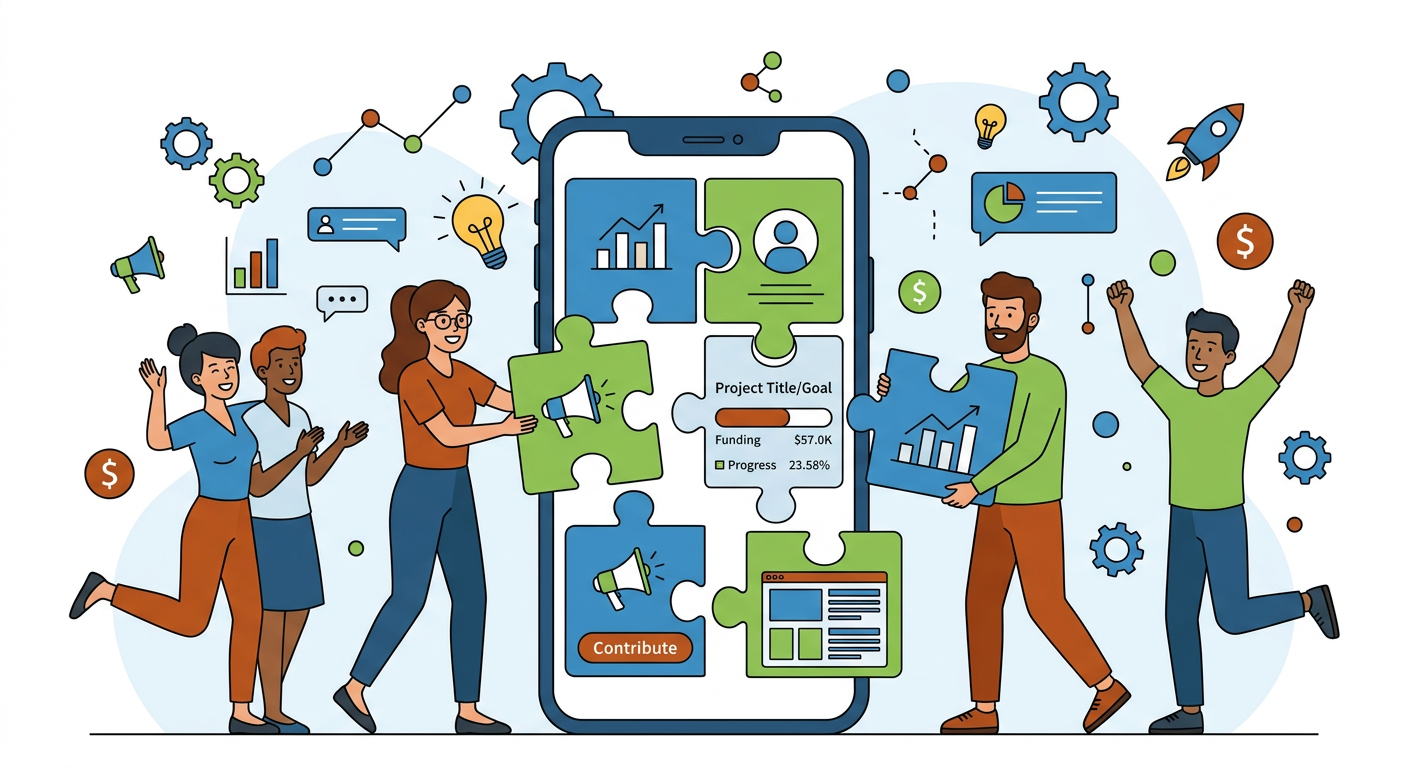
We’re running a crowdfunding campaign in hopes of funding four template pages to add to the Yapp platform. All four are pages you’ve asked for that we’re excited to see on Yapp. Each week of the campaign, we’ll be featuring one of the four pages, showing you how it works, what it can do, and why you should help fund it!

Image and Text Page

content

Right now on Yapp, you can store photos in a few different pages. You can also paste miscellaneous information into our Simple Text page. But so far, we haven’t had a page that can function as a great-looking mix of the two. With the Image and Text page we are hoping to add, all of those problems will be solved. You’ll be able to insert a picture (that could be your logo, an image of the hotel you’re staying at, a fun GIF of a kitten) and include informative text beneath it. 

There are a ton of different ways to take advantage of this rich page. Maybe you’re including directions — take a screenshot of the map route and include the list of directions beneath it. This is a great option before we guests can get a maps page running on the platform. Or, you could use it to include photos that need captions or to add a bit of flair to a basic message.

It’s great to add professionalism and context for conference and business apps, or to add fun aesthetics to your personal or group apps.

We would love for you to show off more images and add fun context to your next Yapp. To build the Image and Text template page, we’re hoping to raise $1,750. If you’d like to see this page added to our platform, or need it in your Yapp ASAP, please contribute to fund it. If you give $80 or more, you’ll have access to the page in your account once it becomes available. You won’t be charged unless the campaign succeeds.

Want a new template page? Join our crowdfunding campaign!

Quick Summary

  • Yapp introduces template pages that support crowdfunding-style communication and storytelling.
  • Prebuilt content structures help creators launch purpose-driven apps faster and more clearly.
  • Users building campaign, fundraising, or project-focused apps will benefit most from these templates.

We love hearing from you, our users, about what you want to see on Yapp. And, we want to make our app-builder the best possible resource for whatever you decide to create.

After talking to a number of users, we decided on four template pages to add to Yapp — Instagram, RSS Feeds, Photo and Text, and Multi-Track Scheduling. But to do that, we’re going to need your help.

See, to craft these pages, our awesome design team has to imagine what they’ll look like and how they’ll work. Then, our incredible developers have to take that vision and code it into reality. Lastly, the team tests the pages to see what works and what doesn’t. That 3 step process takes a long time, and repeats itself over and over until we come out with a near-perfect template page for you to use.

In layman’s terms, it’s not easy. And rather than asking you to fund an entire thousands-of-dollars page yourself (we know a big portion of you use Yapp because it’s affordable), we are hoping our community will come together to help us out. Pitching in just a little bit to one page or to all the pages will help immensely, and will bring you a few steps closer to getting the template page you want for your Yapp.

If you don’t see a page you’re dying for yet, don’t worry! The success of these campaigns will help us decide if we should run others and fund more template pages. In the long run, we want everyone using Yapp to be able to have all the useful pages that they want without handing over an arm and a leg.

Ready to join us on this exciting new adventure? Check out all of the template page options and rewards!


Want to read more about our adventure into crowdfunding? Check out our press kit.

What the Tech?! Google I/O

Quick Summary

  • Yapp explains Google I/O and why the event matters in the broader technology landscape.
  • The post gives readers a simple overview of a major developer and product announcement event.
  • Readers interested in big tech conferences and product news will benefit most from this article.

Google IO

Google I/O, n;

Google’s annual developer conference focusing on the advances in the company’s softwares and devices. The “I” stands for input and the “O” stands for output. It is a conference similar in spirit to Apple’s Worldwide Developer Conference, both of which involve high-profile keynotes alongside developer hacking sessions.

This year’s I/O conference begins tomorrow, June 25, and the keynote from Google is expected to be full of new gadgets and technology updates. Many are speculating about new wearables (called Android Wear), including smart watches and fitness bands, as well as updates for the now-public Google Glass. There could also be a new operating system for Android, either with small updates or a fairly large visual and functional overhaul to compete with iOS 7 and 8.

Considering all the different soft and hardware Google has in its arsenal (Android, Chrome) and its futuristic experimental projects (Tango, Ara, Loon), the keynote is sure to be jam-packed with exciting updates. You can keep up with I/O through The Verge’s live blog or on Google’s dedicated site starting at 9:00a Pacific.

What the Tech?! Hashflags

Quick Summary

  • Yapp explains hashflags and why branded hashtag icons became a notable social media trend.
  • The post gives readers a quick look at how social platforms turn hashtags into interactive experiences.
  • Readers interested in social media and digital marketing trends will benefit most from this explainer.

hashflag

Hashflags, n;

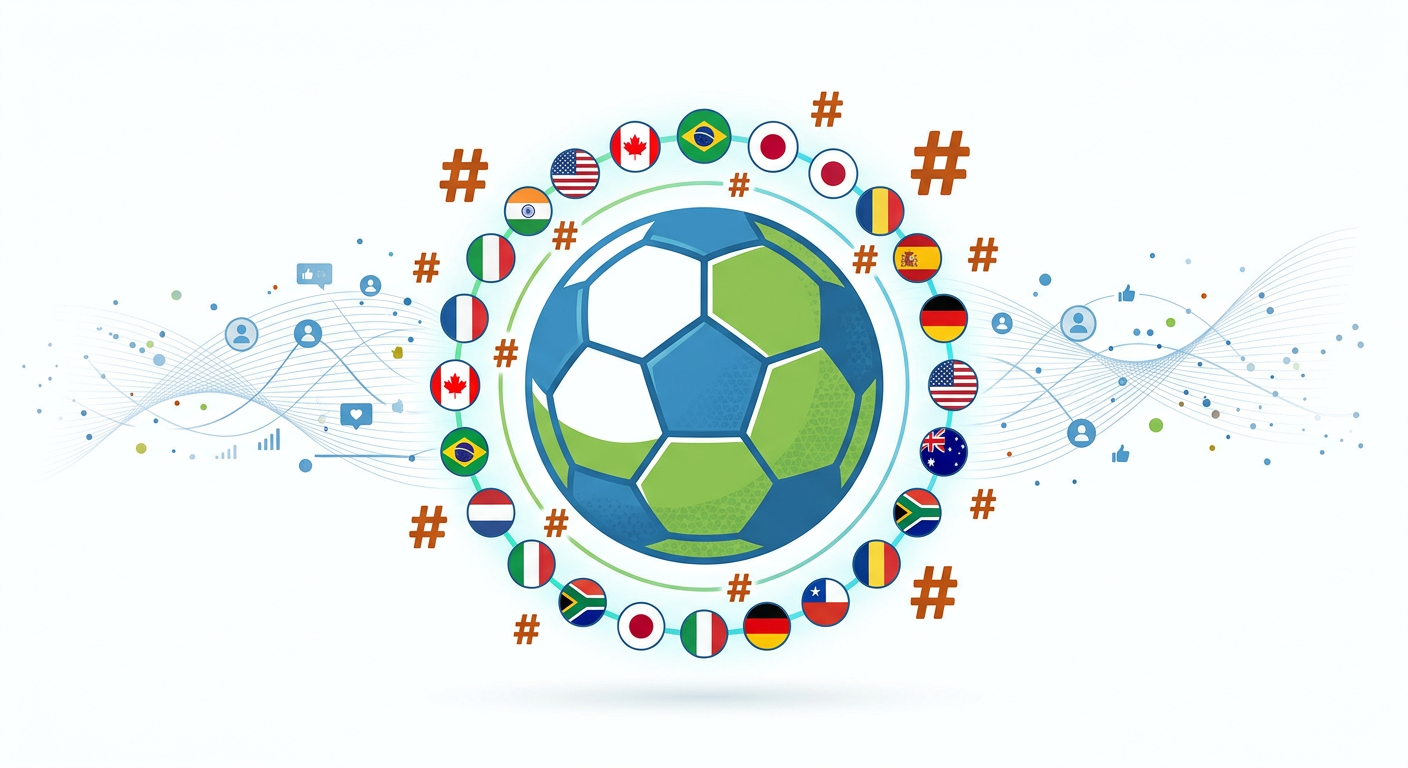
A flag emoticon corresponding with a country’s hashtag, introduced in anticipation of the World Cup. A variation on Twitter’s popular ‘hashtags,’ hashflags are an added Easter egg for fans following the international football competition. Whatever country you want to follow, you simply type in a 3 letter hashtag (like #usa or #ita) into Twitter and it’ll show you that country’s flag. Continue reading →

What the Tech?! iOS 8

Quick Summary

  • Yapp explains iOS 8 and highlights why Apple’s update mattered in the mobile world.
  • The post gives readers a simple overview of a major mobile operating system release.
  • Readers curious about Apple software updates and mobile trends will benefit most from this article.

184427552

iOS 8, n;

Apple’s newest operating system, which features a variety of competitive new features. The upgrade was unveiled after much speculation at Monday’s keynote presentation during the Worldwide Developers Conference, an annual event that Apple sponsors to showcase developer technologies. At last year’s conference, Apple CEO Tim Cook and team unveiled iOS 7, which was an extreme design upheaval. iOS 8 is less about design changes and more about competitive functionality updates.

We wrote about 5 of our favorite features just after the keynote yesterday, but there are a ton of cool things on the way. Along with new apps and app bundles like Home Kit (which gathers all of your smart-controlled gadget apps) and HealthKit (which measures all of your health and fitness stats across apps), iOS 8 is introducing a lot of interconnectivity. Apps will be able to communicate with one another better for seamless movement between them using extensions. So, when you take a picture, you can then open up an editing app in your camera roll and edit the photo there.

Apple is also introducing widgets (easily accessible apps within your notification center) and third-party keyboard integrations, meaning iOS users can now indulge in Swype and other gesture-based keyboards. Many of the iOS 8 updates have opened up the system to more customization and personalization, taking a big jab at the Android systems that are known for that flexibility.

iOS 8 is now working in beta, and will be released to the public in the fall. Are you excited to upgrade?

Read more about the new features in iOS 8 and all that was announced at yesterday’s keynote at The Verge’s live blog.