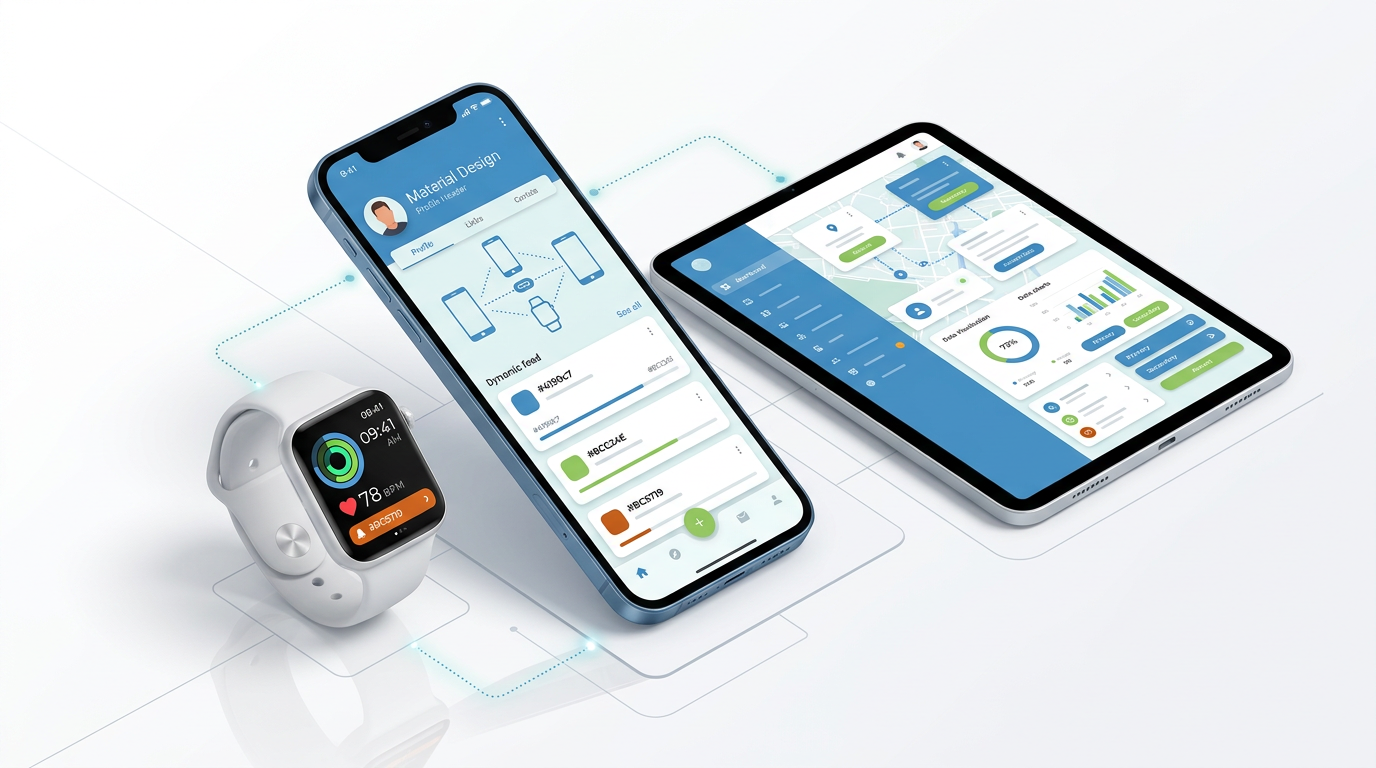
Yapp recaps three key highlights from Apple’s announcement event in a quick, readable format.
The post gives readers a simple summary of major takeaways from a big tech moment.
Readers who want a short tech event recap will benefit most from this article.
In case you missed the Internet exploding earlier (or, if you were watching Apple’s live stream of the event), Apple introduced a slew of new products today at a hyped event in Cupertino, Calif. The team unveiled new phones, the rumored watch, and more. Here are the highlights you need to know for this afternoon’s watercooler talk.
Yapp explains Apple Pay and why it matters as a consumer tech development.
The post gives readers a quick overview of a major mobile payments topic in plain language.
Readers curious about payment technology and mobile trends will benefit most from this article.
Apple Pay,n;
A wallet-like feature that stores your credit cards to allow iPhone 6 and Apple Watch users to pay with a tap. Announced Tuesday at Apple’s new product demonstration, Apple Pay is a feature that will be available in the upcoming iPhone 6 and iPhone 6 plus, both running iOS 8. It’s similar to Google Wallet and other digital money storage apps and devices.
Tim Cook, Apple’s CEO, described their creation of Apple Pay as the solution to the problem that is plastic credit cards. iPhone 6 and 6 plus users can store their credit cards on their phone using Passbook. The credit card number(s) and personal information is all encrypted, so Apple doesn’t keep record of it and it isn’t passed along to stores when you make a purchase. When you’re in a store that accepts Apple Pay, you can tap your phone to the NFC readers and pay in an instant. Apple Pay has also integrated with vendors online, so if you’re purchasing from places like Target or Uber with your phone, you can now choose to pay with your phone.
If you lose your iPhone, you can freeze Apple Pay and not worry about getting new credit cards, as none of the information is actually stored on the phone. Basically, it’s a fairly secure digital wallet — not much different than what has hit the market before (like PayPal and Google Wallet), which haven’t been able to popularize digital payments.
Read more about Apple’s product announcements on our blog soon!
Yapp highlights the Image and Text page and invites users to help shape how the feature develops.
Customer feedback helps improve content tools and make the platform more useful for creators.
App creators interested in flexible content pages and product evolution will benefit most from this post.
We’re running a crowdfunding campaign in hopes of funding four template pages to add to the Yapp platform. All four are pages you’ve asked for that we’re excited to see on Yapp. Each week of the campaign, we’ll be featuring one of the four pages, showing you how it works, what it can do, and why you should help fund it!
Image and Text Page
Right now on Yapp, you can store photos in a few different pages. You can also paste miscellaneous information into our Simple Text page. But so far, we haven’t had a page that can function as a great-looking mix of the two. With the Image and Text page we are hoping to add, all of those problems will be solved. You’ll be able to insert a picture (that could be your logo, an image of the hotel you’re staying at, a fun GIF of a kitten) and include informative text beneath it.
There are a ton of different ways to take advantage of this rich page. Maybe you’re including directions — take a screenshot of the map route and include the list of directions beneath it. This is a great option before we guests can get a maps page running on the platform. Or, you could use it to include photos that need captions or to add a bit of flair to a basic message.
It’s great to add professionalism and context for conference and business apps, or to add fun aesthetics to your personal or group apps.
We would love for you to show off more images and add fun context to your next Yapp. To build the Image and Text template page, we’re hoping to raise $1,750. If you’d like to see this page added to our platform, or need it in your Yapp ASAP, please contribute to fund it. If you give $80 or more, you’ll have access to the page in your account once it becomes available. You won’t be charged unless the campaign succeeds.
Yapp explains Android L and why the update mattered in the mobile tech world.
The post gives readers a short, approachable summary of a major Android development.
Readers interested in mobile operating system news will benefit most from this article.
Android L, n;
Google’s forthcoming update to the Android operating system, which includes a new design that will run universally on all Android devices. Google introduced Android L — still code-named pending it’s dessert-themed name — at last week’s I/O developer conference and are rolling out the design in the fall on Nexus phones and Android wear smartwatches.
On first glance, Android L will look cleaner and more modern with it’s revamped material design. It feels similar to the design we know of Google already, with a few slight tweaks. Bright colors, flat boxes, slight shadows, and friendly circles will run universally on Android phones, wearables, and other softwares (like Android Auto and Android TV). This is the first step toward a more universal Android system, making it easier for all of your devices to communicate and work at their best all the time.
Notifications are also being revamped, showing now on the lock screen rather than only in a pull now panel. The system is responsive, so it will learn your app habits (what you read, what you respond to) and organize your notifications. You’ll also be able to interact with notifications while in other apps, making multi-tasking all the more possible. On that note, you’ll be able to access specific web tabs as well as apps in your multi-tasking menu, making it easier to interact with specific information between the web and native apps.
Battery life will get better, apps will better communicate with each other, and devices will be connected. You can read more about Android L from TechRadar here.
Yapp recaps nine key takeaways from the Google I/O keynote in a concise, readable format.
The post helps readers catch up quickly on important announcements from a major tech event.
Readers who want an easy summary of Google I/O highlights will benefit most from this piece.
Today, June 25, was the kickoff of Google’s annual developer conference, I/O. The nearly three-hour keynote featured a ton of updates on Google, Android and Chrome. We rounded up the top 10 below. Read about all of the updates over at The Verge. Continue reading →
Yapp explains Google I/O and why the event matters in the broader technology landscape.
The post gives readers a simple overview of a major developer and product announcement event.
Readers interested in big tech conferences and product news will benefit most from this article.
Google I/O, n;
Google’s annual developer conference focusing on the advances in the company’s softwares and devices. The “I” stands for input and the “O” stands for output. It is a conference similar in spirit to Apple’s Worldwide Developer Conference, both of which involve high-profile keynotes alongside developer hacking sessions.
This year’s I/O conference begins tomorrow, June 25, and the keynote from Google is expected to be full of new gadgets and technology updates. Many are speculating about new wearables (called Android Wear), including smart watches and fitness bands, as well as updates for the now-public Google Glass. There could also be a new operating system for Android, either with small updates or a fairly large visual and functional overhaul to compete with iOS 7 and 8.
Considering all the different soft and hardware Google has in its arsenal (Android, Chrome) and its futuristic experimental projects (Tango, Ara, Loon), the keynote is sure to be jam-packed with exciting updates. You can keep up with I/O through The Verge’s live blog or on Google’s dedicated site starting at 9:00a Pacific.
Yapp explains lenticular display technology in a simple, approachable way.
The post turns a visual display concept into an easy tech explainer for general readers.
Readers interested in emerging display tech and mobile trends will benefit most from this article.
Lenticular display, n;
A screen coated with lenticular film, which displays two sets of the same image to produce a 3D effect on the human eye. Lenticular displays are the key to glasses-free 3D displays, including the rumored upcoming Amazon Phone.
HowStuffWorks has a great explanation of how lenticules work that we couldn’t put better:
“This method relies on a display coated with a lenticular film. Lenticules are tiny lenses on the base side of a special film. The screen displays two sets of the same image. The lenses direct the light from the images to your eyes — each eye sees only one image. Your brain puts the images together and you interpret it as a three-dimensional image.”
This technology is being harnessed for new smartphones, televisions and other tech displays to take our viewing experiences to a new level. Amazon’s forthcoming phone has 4 cameras on the front that, it is rumored, will follow your face to adjust the 3D imagery. It seems likely that the goods and services company will use this technology mainly to enhance the shopping experience of their users in the Amazon app store and general marketplace. Their phone could becom the ultimate online shopping tool, letting you truly view objects in full dimension and sitting conveniently in your pocket at all times.
Television and movies, which have already ventured into 3D with a lackluster following, could benefit from glasses-free technology by becoming somewhat more accessible. The current cost and hassle of 3D media without much benefit over 2D might be overturned by a successful integration (like what is thought to come from Amazon).
Yapp explains iOS 8 and highlights why Apple’s update mattered in the mobile world.
The post gives readers a simple overview of a major mobile operating system release.
Readers curious about Apple software updates and mobile trends will benefit most from this article.
iOS 8,n;
Apple’s newest operating system, which features a variety of competitive new features. The upgrade was unveiled after much speculation at Monday’s keynote presentation during the Worldwide Developers Conference, an annual event that Apple sponsors to showcase developer technologies. At last year’s conference, Apple CEO Tim Cook and team unveiled iOS 7, which was an extreme design upheaval. iOS 8 is less about design changes and more about competitive functionality updates.
We wrote about 5 of our favorite features just after the keynote yesterday, but there are a ton of cool things on the way. Along with new apps and app bundles like Home Kit (which gathers all of your smart-controlled gadget apps) and HealthKit (which measures all of your health and fitness stats across apps), iOS 8 is introducing a lot of interconnectivity. Apps will be able to communicate with one another better for seamless movement between them using extensions. So, when you take a picture, you can then open up an editing app in your camera roll and edit the photo there.
Apple is also introducing widgets (easily accessible apps within your notification center) and third-party keyboard integrations, meaning iOS users can now indulge in Swype and other gesture-based keyboards. Many of the iOS 8 updates have opened up the system to more customization and personalization, taking a big jab at the Android systems that are known for that flexibility.
iOS 8 is now working in beta, and will be released to the public in the fall. Are you excited to upgrade?
Read more about the new features in iOS 8 and all that was announced at yesterday’s keynote at The Verge’s live blog.
Yapp highlights five helpful apps for life after graduation.
The roundup shows how mobile tools can support organization, productivity, and everyday transition into post-grad life.
Recent graduates looking for practical app recommendations will benefit most from this article.
You know what that stock photo means…it’s graduation season.
As college grads flock into the real world, one thing stays constant: their smartphone. So toss your caps and download these apps to survive the start of your post-grad life. Continue reading →
Yapp explains Healthbook and why health-focused mobile tools were drawing attention.
The post gives readers a quick overview of a trend at the intersection of mobile tech and wellness.
Readers interested in health tech and Apple-related innovation will benefit most from this article.
UPDATE: Apple just announced Healthkit (not Healthbook, as was rumored) as part of it’s iOS 8 update. Check out more updates on iOS 8 on our blog!
Healthkit, n;
A feature of the upcoming iOS 8 that can measure and keep track of a variety of health information. Healthkit — previously codenamed Healthbook — is a native iOS app that works with all of the built in sensors to give you a full report of your health. It is the flagship feature of the iOS 8 release, which might be released at the company’s WWDC developer conference next month.
The app will be able to track blood pressure, hydration levels, heart rate and potentially glucose levels to provide a comprehensive health check-in for times between doctor check-ups. Each function is represented by a card which can be customized and organized depending on what’s important to you. While there are tons of apps out there that you can use to measure what you eat, how much activity you get, and your general health, Healthkit will be able to store all of those things in one place.
One of the coolest features of Healthkit that hasn’t saturated the health app market yet is the ability to measure blood sugar, oxygen and (it is rumored) alcohol levels. Millions of people live with Type 1 and 2 diabetes, and Apple’s jump into the glucose-monitoring market could provide a much more streamlined and simple way to keep track of blood sugar levels.
Along with a lot of cool health trackers, Healthkit will also have an emergency card where you can set all of your pertinent information, store emergency contacts, and set alerts for medications. In the future, the Healthkitproject could sync with other wearables, like the rumored iWatch, and will probably connect to already established health apps so that none of your history is lost.