Tag Archives: notifications

What the Tech?! Android L

Quick Summary

  • Yapp explains Android L and why the update mattered in the mobile tech world.
  • The post gives readers a short, approachable summary of a major Android development.
  • Readers interested in mobile operating system news will benefit most from this article.

Android L

Android L, n;

Google’s forthcoming update to the Android operating system, which includes a new design that will run universally on all Android devices. Google introduced Android L — still code-named pending it’s dessert-themed name — at last week’s I/O developer conference and are rolling out the design in the fall on Nexus phones and Android wear smartwatches.

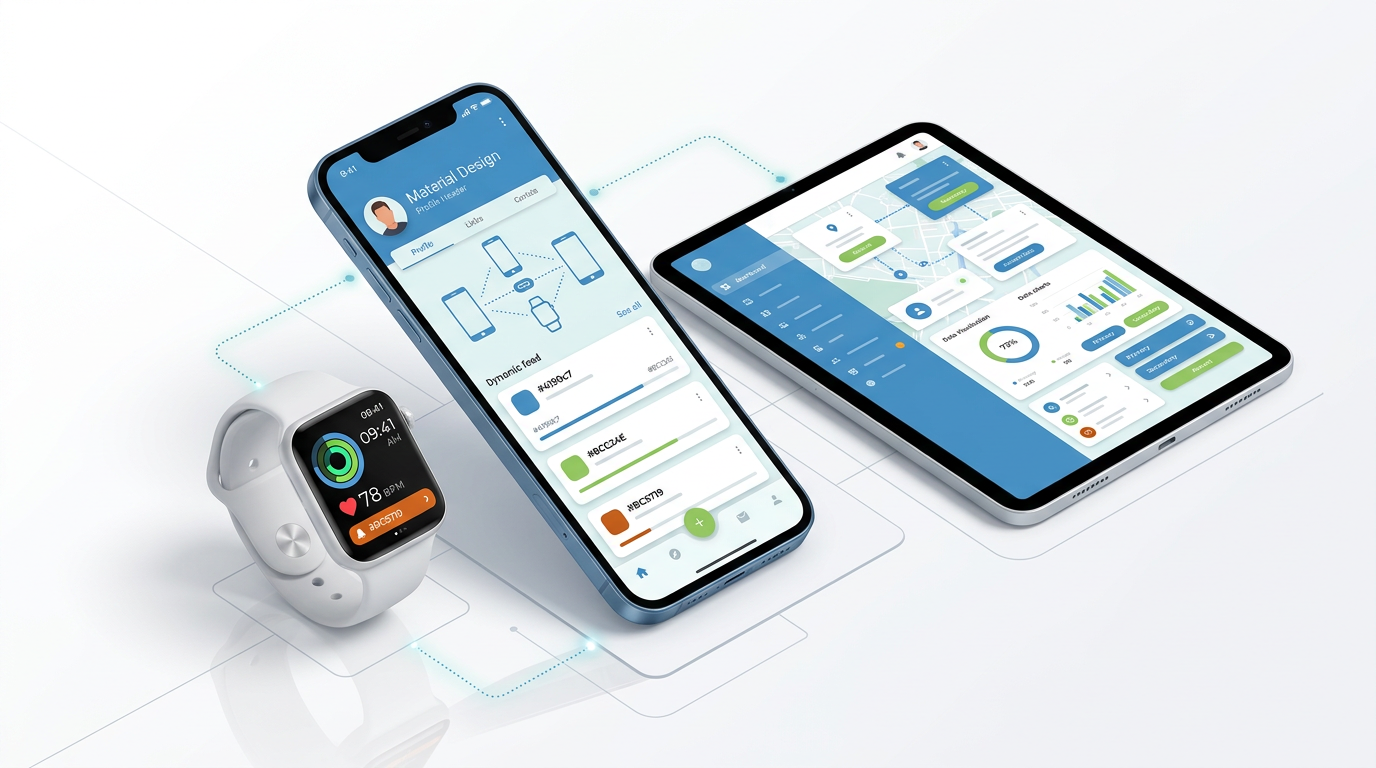
On first glance, Android L will look cleaner and more modern with it’s revamped material design. It feels similar to the design we know of Google already, with a few slight tweaks. Bright colors, flat boxes, slight shadows, and friendly circles will run universally on Android phones, wearables, and other softwares (like Android Auto and Android TV). This is the first step toward a more universal Android system, making it easier for all of your devices to communicate and work at their best all the time.

Notifications are also being revamped, showing now on the lock screen rather than only in a pull now panel. The system is responsive, so it will learn your app habits (what you read, what you respond to) and organize your notifications. You’ll also be able to interact with notifications while in other apps, making multi-tasking all the more possible. On that note, you’ll be able to access specific web tabs as well as apps in your multi-tasking menu, making it easier to interact with specific information between the web and native apps.

Battery life will get better, apps will better communicate with each other, and devices will be connected. You can read more about Android L from TechRadar here.

Product Update: Notifications, Polling and a New Name for YappBox

  • Yapp highlights a mobile app update that adds polling, notifications, and YappBox enhancements.
  • These improvements help users create more interactive and responsive app experiences.
  • Event organizers and app creators who want stronger engagement tools will benefit most from this update.

In our newest app store release, we are rolling out a bunch of exciting new updates. Check them out below and let us know what you think!

Richer notifications.

notification_trio


Now, any time a user posts into your Yapp’s News Feed or Crowd Pics page, you’ll get a notification to your phone’s home screen. You can adjust these notifications to show you all posts, only posts from the Yapp creator, or no posts. Here’s more on Notification Settings: http://bit.ly/1bsw0pH

Real-time polling.

poll_duo


We’ve added a simple Poll page to our collection of template pages! Add the page from the editor online, input a question and list of answer choices, then publish for all your users to respond to from their phones. Here’s more on Polls: http://bit.ly/1aZvcYH

YappBox is now Yapp.

It’s the same container app, filled with the same Yapps you love, now called simply Yapp. As always, we have a lot of big plans for Yapp, and are excited to have our app name now officially in line with our online editing experience. We hope this will relieve any confusion that users see when they first try to install a Yapp and are redirected to the app store.

Download on the App Store   Get it on Google Play

As always, we would love to hear your feedback on any of the new features we’ve added. Leave us a comment here or send us an email at support at yapp.us.

Best in Native: These Apps Are Using Your Phone’s Best Features

Native Apps
  • Yapp highlights native apps that show off some of the best features of modern smartphones.
  • The post connects everyday mobile tools with the hardware strengths that make them useful.
  • Readers looking for practical app inspiration and mobile feature examples will benefit most from this roundup.

Smartphones are powerful. As they grow smarter and smarter, the apps that are developed to fill them up do, too.

In fact, Flurry Analytics found that mobile app use has grown 115% in the past year. They define “app usage” as every time anyone opened an app, and tracked a record 4.7 Billion app sessions in a single day on December 31, 2013 (and 1.1 Trillion for all of 2013).

In short, apps are a becoming a bigger deal in every category. With apps built specifically for your phone’s operating system, you can go beyond web apps to take advantage of the exciting and powerful features on those phones. Native apps have access to all of the cool things built in, and add another level of connectivity and usefulness.

When your phones are built, they incorporate a lot of technologies no one ever really thinks twice about. Things like GPS, camera, and contacts, accelerometer, motion co-processors, and iBeacons (plus a million little things in between) are known as native features; they’re built into your phone at its birth and are available for developers to integrate into their own creations.

Take a look at some of our favorite uses of native features below.