Yapp shares tips for displaying events and schedules in classroom or school settings.
The post shows how apps can help organize and communicate school-related information more clearly.
Educators and school event organizers will benefit most from these ideas.
Your app isn’t complete without a news feed — a place for everyone to follow the Twitter action, a spot for conversations to flourish.
What’s even better? Getting to show that feed live on a huge screen in front of everyone to make following the conversation doubly fulfilling — it follows the crowd while the crowd follows it.
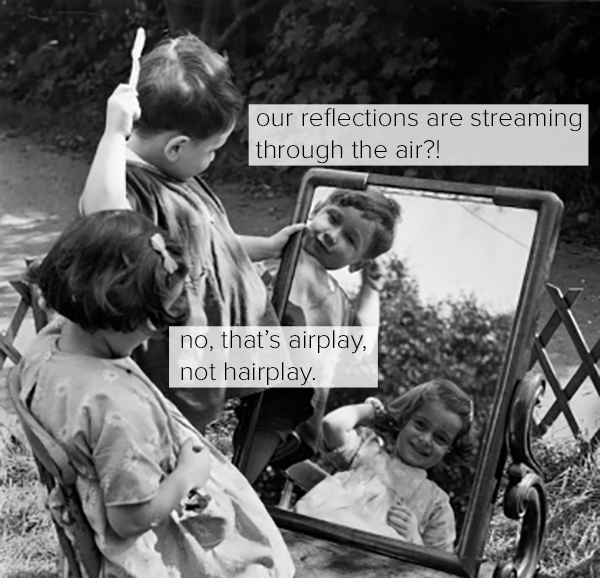
How to do this? If you’ve got an iPhone, an iPad or a Mac, you can do this super easily through Airplay Mirroring, which we told you about on Tuesday. If you’ve got HDTVs set up at your event or one in your classroom, you can send info directly from your phone’s control center, as long as the phone and the TV are on the same network.
Yapp explains AirPlay Mirroring in a simple, easy-to-follow format.
The post helps readers understand how screen sharing and Apple device integration work in everyday use.
Readers interested in Apple productivity and display features will benefit most from this article.
It’s been around for a while, but how can you use it?
Airplay Mirroring, verb; Broadcasting content from iOS device to iOS device. AirPlay began as audio-only wireless streaming between devices, and progressed with iOS 5 to broadcasting visual content from devices to Apple TV. Now, Airplay mirroring can send videos, images, and mirroring of the original device screens to Apple TV across a wireless network. Continue reading →
Yapp shows how Edcamp-style events and unconferences can use app creation to support better communication and planning.
A custom app helps centralize schedules, updates, and content for education-focused gatherings.
Educators and organizers of collaborative learning events will benefit most from this use case.
Yapp Spotlight:
In 2010, a group of educators in Philadelphia came together to create the first Edcamp UNconference. The create-your-own schedule format took off, and Edcamp spread from state to province to nation. Teachers come together all across the world to talk about what matters to them — they set the agenda morning-of, they teach the sessions, they work together to tease out new ideas.
We love working with Edcamp organizers. If you remember primary school, you probably recall frazzled teachers — their plates are constantly overflowing, yet they still make time for professional development. They’re busy planning (and teaching and counseling and administrating…), but almost always answer with enthusiastic curiosity when we at Yapp reach out to help them go mobile.
Edcamp’s aren’t tech specific events, but technology has become an integral part of education (think square = rectangle but rectangle ≠square, then thank your 2nd grade teacher). We introduce them to Yapp as a tool to organize their unconferences, and they see it as a tool to upgrade their classrooms.
Best of all, Edcamps are a totally free resource for teachers. The Foundation provides organizers with blog resources, seasoned organizer mentors and Edcamp-friendly sponsors to keep production costs minimal.
So far, we’ve partnered with a bunch of exciting Edcamps, offering setup assistance and raffle prize swag. If you’re an educator and you want to start an Edcamp, check out The Edcamp Foundation to get started.
And once you’re set to go, check out Yapp and give us a shout! We want to help you make the most of your unconference.