Tag Archives: themes

Tips & Tricks: Give each Yapp a unique style

  • Yapp shows how to give an app a more unique visual style without making setup more complicated.
  • Small design choices can improve branding and help the app feel more polished and memorable.
  • App creators who want a more customized look will benefit most from these tips.

Just because our old theme library is gone doesn’t mean you can’t have a specialized look for your organization, event or business. There are a variety of customizations that anyone can use to add a personal or thematic touch to their Yapp.

tip7-COVER


Our new cover editor lets you add a background image to your cover page. This can be a bit of ambient fun, or it can serve as a thematic tie. Having a Thanksgiving dinner party? Use a photo of a cornucopia as your background. Using Yapp with your running group? Use a photo of you all running your course. Then, choose a color from that photo and let it be your simple style throughout.

If you don’t see that color in our options, try out a custom color. For a fee, we’ll add whatever color you want to your style options, making your Yapp look even more awesome. You can also add a custom cover, which lets you take over that entire cover page space. Add your own colors, designs and fonts, and we’ll upload it for you.

A lot of people have asked about white backgrounds for their covers, like they once had on Primary Colors and Corporate White themes. With our new background image field, you can upload a blank white image as the background, and then include your logo or main image in a circle or square on top.


While our old library is still around (that’s until Nov. 15!), take screenshots of your favorite theme covers. Then, if you want to use them for your cover page in the future, you can always upload them as your background image.

Product Update: A Change to Theming

  • Yapp shares a theming update that changes how app styling and visual presentation work.
  • Better theming controls help creators build a more polished and on-brand mobile experience.
  • Users focused on app design and customization will benefit most from this update.

As we work to make Yapp better, we’ve decided to make a big change to the way that theming works.

We’re saying goodnight to our current theme library starting November 30th and switching over to a more modern and technically-efficient system, which incorporates our newest Basic theme in light and dark.

stylepicker

The new styling tool will sit at the top of the editor screen. If you want to change your color or style (Light or Dark), you can click to expand and see a variety of colors.

With this new design, our users will have a (literal) rainbow of color options to choose from, plus additional opportunities to customize. If the color you want isn’t an option, we’ll be able to easily work with you to add it. New features — including a more DIY cover page and the template pages you’ve been asking for, among other new things — will be seamless additions.

Some of our users have already been using the styling tool rather than the theme library. For our longtime users, the old themes will remain available until November 30, when we switch things over. If you don’t move your account to the new look before November 30, your theme will change to the Basic style in a color that matches the previous look.

We hope you’ll check out the new style tool and give us your feedback! If you have any questions or concerns, please reach out to us via email.

What the Tech?! Jailbreaking

  • Yapp explains jailbreaking in a straightforward way so general readers can understand the concept.
  • The post offers a simple take on a mobile topic that often sounds more technical than it is.
  • Readers interested in smartphone software and device customization will benefit most from this explainer.

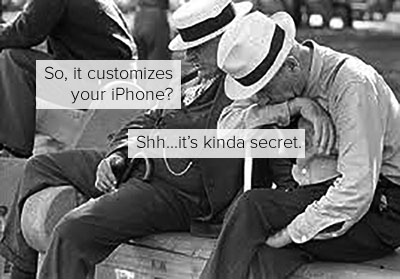
How does your hacker friend get that cool custom look on his iPhone?

Jailbreaking

Jailbreaking; v,
To access the root of the iOS operating system in order to make customizations to a device. (It sounds a lot scarier than it really is.) Remember when we told you about Android Launchers? Those apps help Android users easily give their phone it’s own custom look on top of the system the phone is running. But people running iOS don’t have these apps and options.

Because iOS is a universal Apple operating system that isn’t open to public contributions, launchers and customizations are much harder to make. This closed ecosystem is one reason many users compare it with broader mobile innovations like native apps and their best features.

That’s where jailbreaking comes in. When you access the iOS operating system acting as an administrator, you can download extensions, themes and other apps to add special features like shortcuts or design tweaks to your phone. Jailbroken phones can still use iTunes, the app store, and function generally the same. Aside from customizations, jailbreaking also allows access to apps that weren’t approved for the iTunes the app store.

Many of these are extensions like Android Launchers, allowing you to apply custom pieces on top of your existing OS. The Cydia app store hosts these apps and others that didn’t make it into the iTunes store, much like how discussions around top downloaded apps on iOS and Android highlight what users want from their mobile experience.

(P.S.; Jailbreaking is different from unlocking, which frees your phone to work on any carrier — like Verizon, AT&T, T-Mobile — rather than just the one it was purchased from and is illegal if it isn’t done by the carrier.)

Yappy Birthday! We’re a Year Old

  • Yapp marks another company birthday with a look back at progress and milestones.
  • The post adds a celebratory, human side to the brand by reflecting on growth over time.
  • Readers who enjoy startup milestone stories will benefit most from this update.
Yappy Birthday!

Designed by Jacqueline Barba and Katelyn Trela.

Product Update: New Sports Themes!

  • Yapp introduces new sports themes to make app customization more fun and event-specific.
  • Theme options help creators match their app visuals to the audience or occasion with less effort.
  • Users building sports-related or school-themed apps will benefit most from this update.

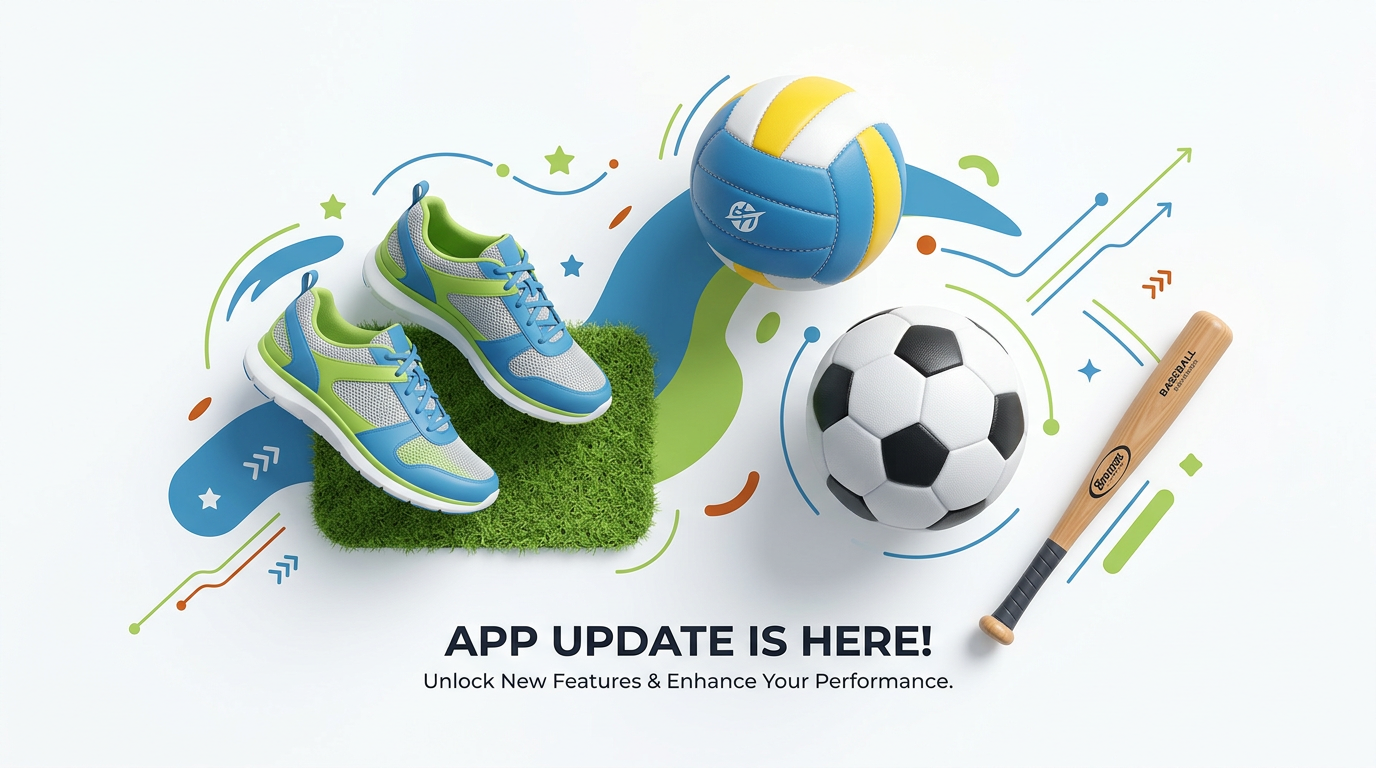
    After working hard all summer, our stellar tech intern Irvin has released a batch of sports themes for our Yappers. Volleyball, soccer, track, baseball, and more have joined the ranks of football and basketball. If you don’t see what you need, let us know!

    Check out the new themes in the Yapp editor, or below.

    Product Update: New Themes!

    • Yapp announces new themes that make app personalization easier and more visually engaging.
    • Fresh theme options help creators build a look that better matches their event or audience.
    • App creators who want more customization choices will benefit most from this update.

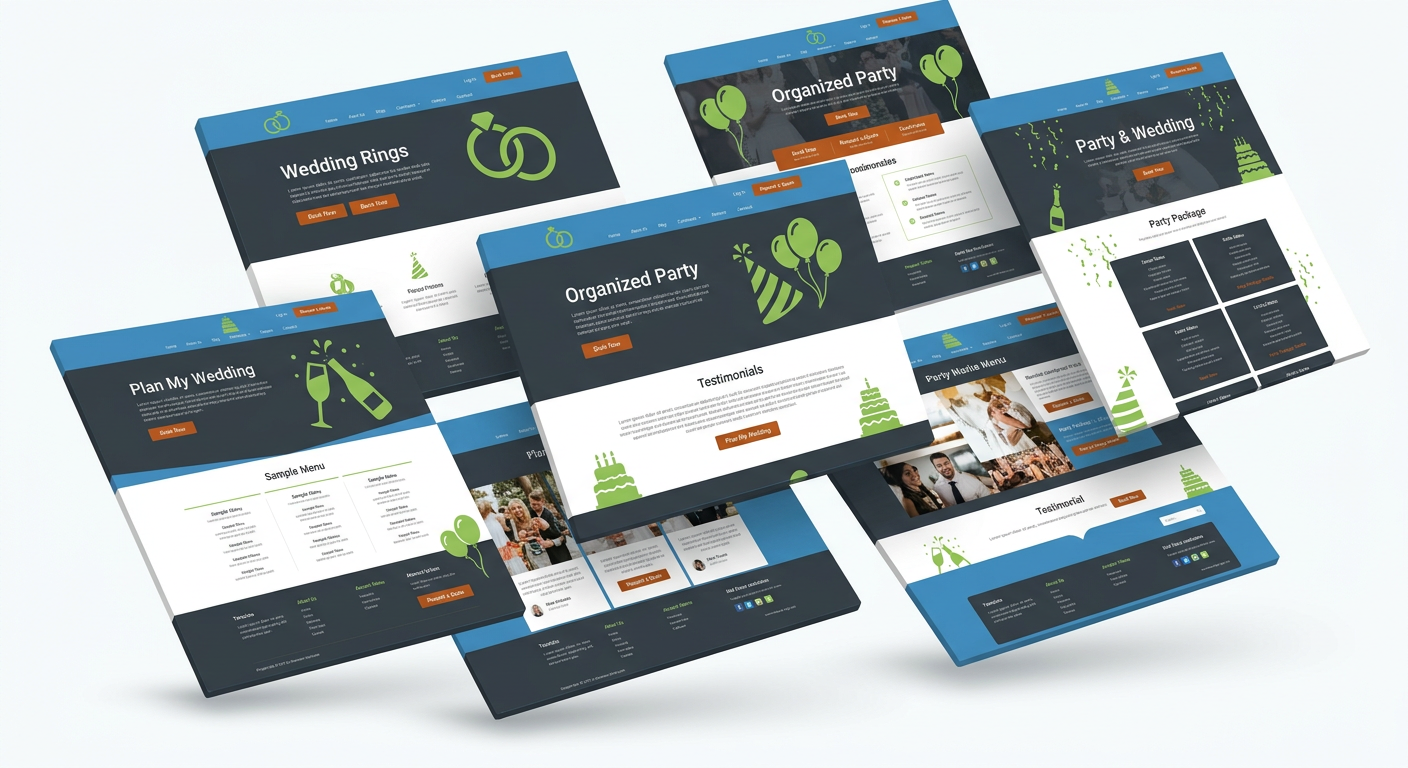
    We’ve got a couple of new themes rolling onto the site, adding a few extra options for your party, wedding, reception, anniversary…

    Take a look, and give them a test drive!

    Have a favorite theme? How about a theme you’re excited to see? Leave us a comment and keep a look out for more themes soon to come.

    Yappy Valentine’s Day!

    • Yapp shares a Valentine’s Day-themed community or seasonal post with a playful brand tone.
    • The piece adds personality while tying mobile creativity to a holiday moment.
    • Readers who enjoy lighter, seasonal Yapp content will benefit most from this feature.

    Fair warning: Thursday is Valentine’s Day. We at Yapp want to help you celebrate, whether you’re having a quiet night with your other half, partying with friends, or sticking it to the man anti-VDay style, there’s a perfect Yapp theme out there waiting for you.

    Here are our top 6 themes for all your Valentine’s needs. Once you’ve picked one and put it together, let us see it! Send your Yapp URL to us on Twitter, Facebook, or via email and we’ll shout out your great Yappin’ skills.

    XOXO: This Valentine’s Day theme embraces bubble-gum pink and all but emits heart-shaped bubbles from your phone. If you’re going all out — whether with the company of one or many — XOXO is perfect.

    Radiant Ranunculus (in rose): Roses are blush pink in this simplistic theme great for an easy date night with your spouse.

    Simplicity (in pink): Show off yummy treats (see above, try not to drool), lovely arrangements or beautiful designs with the big-picture theme Simplicity. Great for a DIY cupcake party or a fun night with friends.

    Tea Roses (in fuschia): Another sweet theme that won’t bombard you with hot pink, Tea Roses is perfect for any Valentine’s Day get together. For two, four, ten or more, it makes a card that anyone can love.

    Primary Colors (in black): Not so much a fan of Hallmark’s biggest holiday? Here’s an easy black theme to make a striking anti-establishment invite for the least lovey-dovey of bashes.

    Pen an Ink (in pomegranate): In this deep, rich pomegranate pink, Pen and Ink provides a classy, cocktail party-ready theme for your Valentine’s Day soiree.

    (Remember, send us your Valentine’s Day Yapp URL via Twitter, Facebook, or email and you might just see it on our blog this week!)